Best Apps for Streaming Movies on Android in 2026
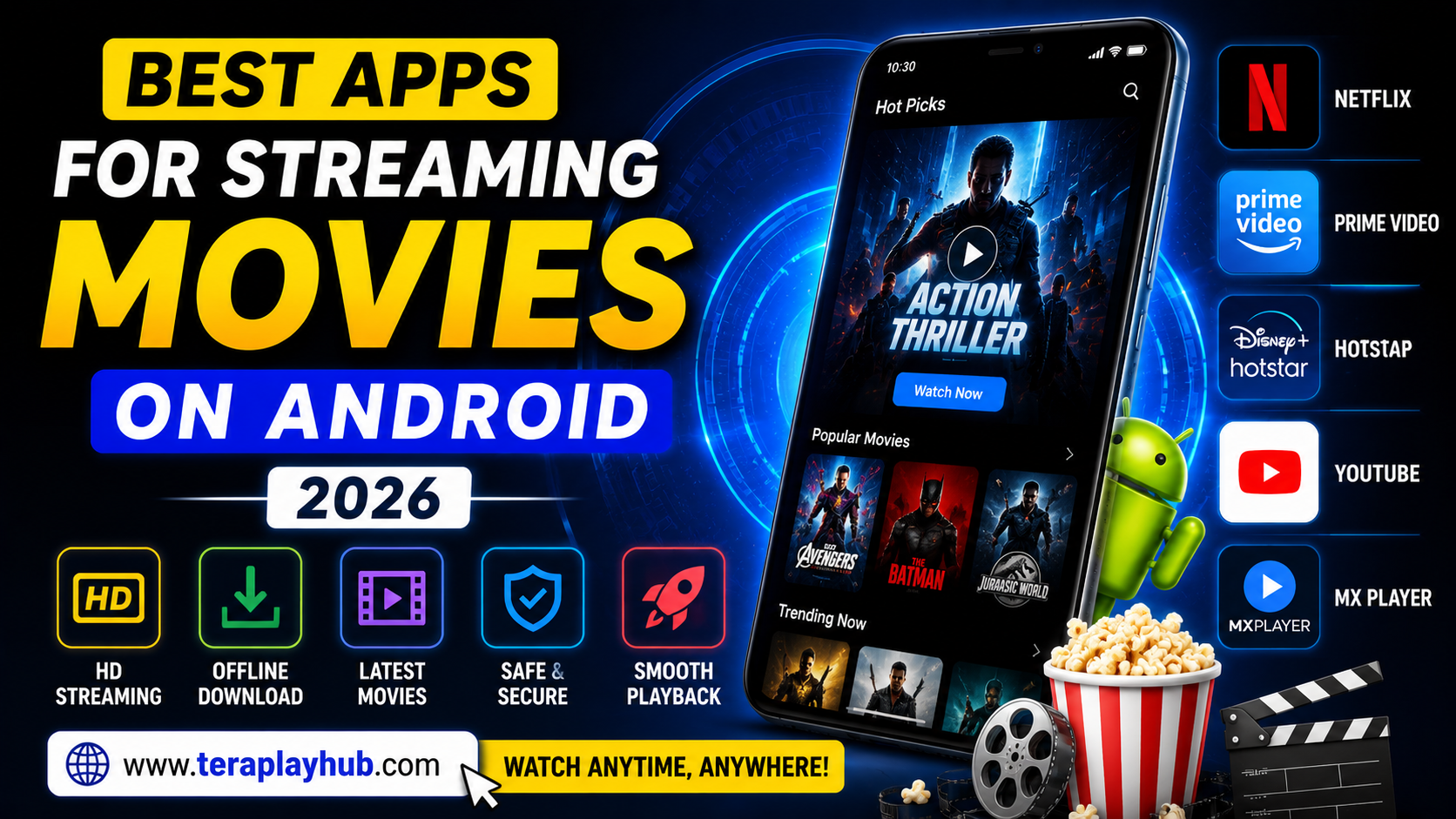
Best Apps for Streaming Movies on Android in 2026
Watching movies on Android phones has become more popular than ever in 2026.
Modern smartphones now support:
- HD streaming
- Full HD displays
- 4K playback
- Dolby audio
- High-speed internet
This allows users to enjoy movies and web series almost anywhere.
But choosing the right streaming app is important.
Some apps offer:
- Better video quality
- Faster loading
- Offline downloads
- Smooth playback
- Better subtitles
- Cleaner interface
while others may suffer from:
- Excessive ads
- Lag
- Poor streaming quality
- Slow buffering
- Limited content
In this complete beginner-friendly guide, we tested and compared the best apps for streaming movies on Android in 2026.
Everything is explained in simple language for normal users.
What Makes a Good Movie Streaming App?
A good streaming app should provide:
- Smooth playback
- HD video quality
- Reliable performance
- Good subtitle support
- Stable servers
- Low buffering
- Easy navigation
The best apps balance content quality and performance.
Best Apps for Streaming Movies on Android in 2026
Let’s explore the top movie streaming apps Android users are using in 2026.
1. Netflix
Overview
Netflix remains one of the biggest movie streaming platforms worldwide.
It offers:
- Movies
- Web series
- Documentaries
- Anime
- Originals
across multiple genres.
Main Features
- HD & 4K streaming
- Offline downloads
- Multi-device sync
- Subtitle support
- Personalized recommendations
Advantages
Excellent Streaming Quality
Netflix performs very smoothly on most Android phones.
Massive Content Library
Users get access to thousands of movies and shows.
Strong Subtitle Support
Supports multiple subtitle languages.
Disadvantages
- Paid subscription required
- Premium plans cost more for 4K streaming
Best For
- Premium entertainment
- High-quality streaming
- Family viewing
2. Amazon Prime Video
Overview
Prime Video has grown rapidly in recent years.
It offers:
- Movies
- TV shows
- Regional content
- Amazon Originals
Main Features
- Offline downloads
- HD playback
- Multiple language support
- Chromecast support
Advantages
Good Regional Content
Very strong selection of local and international content.
Smooth Android App
The app works well even on mid-range devices.
Included with Prime Membership
Additional Amazon benefits come with subscription.
Disadvantages
- Interface can feel slightly cluttered
- Search recommendations sometimes weaker than Netflix
Best For
- Regional content
- Budget streaming
- Multi-language viewers
3. Disney+ Hotstar
Overview
Disney+ Hotstar remains extremely popular in many countries.
It combines:
- Disney content
- Marvel movies
- Sports streaming
- TV shows
- Movies
inside one platform.
Main Features
- Live sports
- HD streaming
- Multi-language support
- Offline viewing
Advantages
Excellent Family Content
Great for children and family entertainment.
Sports Streaming
Popular for live sports coverage.
Marvel & Disney Library
Huge entertainment collection.
Disadvantages
- Ads in some plans
- Regional availability differences
Best For
- Marvel fans
- Family streaming
- Sports viewers
4. YouTube
Overview
YouTube is still one of the most used entertainment apps globally.
While primarily known for videos, it also offers:
- Movies
- Rentals
- Free content
- Streaming channels
Main Features
- Massive content variety
- Offline downloads
- Smart recommendations
- Multi-device support
Advantages
Free Access
Large amount of free entertainment available.
Lightweight Streaming
Works well even on slower internet connections.
Huge Creator Ecosystem
Unlimited variety of content.
Disadvantages
- Ads in free version
- Movie collection smaller than premium platforms
Best For
- Casual viewing
- Free entertainment
- Low-data users
5. MX Player
Overview
MX Player evolved from a video player into a streaming platform.
It now includes:
- Free movies
- Web series
- TV channels
- Regional content
Main Features
- Free streaming
- Lightweight app
- Subtitle support
- Good Android optimization
Advantages
Works Well on Budget Phones
Optimized for low-end Android devices.
Free Content
Many movies available without subscription.
Smooth Playback
Very stable streaming experience.
Disadvantages
- Advertisements
- Smaller premium library compared to Netflix
Best For
- Budget users
- Lightweight streaming
- Android optimization
Best Free Movie Streaming Apps
If you want free streaming apps, these are good options:
| App | Best Feature |
|---|---|
| YouTube | Free content |
| MX Player | Lightweight streaming |
| JioCinema | Regional entertainment |
Free apps are ideal for casual viewers.
Best Premium Streaming Apps
| App | Best Feature |
|---|---|
| Netflix | Overall experience |
| Prime Video | Value for money |
| Disney+ Hotstar | Family & sports |
Premium platforms usually provide:
- Better quality
- Fewer ads
- Larger libraries
Which Streaming App Uses Less Data?
Data usage matters for mobile users.
Lightweight Streaming Apps
- YouTube
- MX Player
- Prime Video (adaptive streaming)
These apps optimize video quality better on slower networks.
Best Apps for Low-End Android Phones
Budget phones need lightweight apps.
Recommended Apps
- MX Player
- YouTube
- Prime Video Lite modes
These perform smoothly on weaker hardware.
Tips for Better Movie Streaming on Android
Here are some useful streaming tips.
Use Stable Internet
Good internet improves:
- Streaming quality
- Buffering speed
- Video stability
Clear Cache Occasionally
Clearing cache helps apps run smoother.
Keep Apps Updated
Updates improve:
- Stability
- Playback quality
- Bug fixes
Free Storage Space Helps
Low storage may slow Android streaming performance.
Why Videos Buffer During Streaming
Common reasons include:
- Slow internet
- Weak WiFi signal
- High server load
- Background downloads
- Low-end device performance
Best Streaming Quality Settings
| Internet Speed | Recommended Quality |
|---|---|
| Slow Internet | 480p |
| Medium Internet | 720p |
| Fast Internet | 1080p or 4K |
Choosing correct quality reduces buffering.
Streaming Safety Tips
Always use trusted apps from:
- Google Play Store
- Official websites
Avoid suspicious APK downloads.
Some fake streaming apps may contain:
- Malware
- Dangerous ads
- Privacy risks
Best Streaming Apps Comparison Table
| App | Best For | Free Version |
|---|---|---|
| Netflix | Premium streaming | No |
| Prime Video | Value | No |
| Disney+ Hotstar | Family & sports | Partial |
| YouTube | Free entertainment | Yes |
| MX Player | Budget streaming | Yes |
Frequently Asked Questions
Which is the best movie streaming app for Android?
Netflix remains one of the best overall streaming platforms.
Which app is best for free movie streaming?
YouTube and MX Player offer good free entertainment.
Which streaming app works best on low-end phones?
MX Player and YouTube are lightweight and optimized.
Can Android phones stream 4K movies?
Yes, but smooth playback depends on:
- Device performance
- Internet speed
- App optimization
Final Words
Movie streaming on Android has improved massively in 2026.
Modern apps now provide:
- Better streaming quality
- Faster buffering
- Offline downloads
- Multi-language subtitles
- Personalized recommendations
For most users:
- Netflix offers the best premium experience
- Prime Video gives excellent value
- Disney+ Hotstar is great for families
- YouTube remains the king of free content
- MX Player works very well on budget phones
The best app depends on your device, internet speed, and entertainment preferences.
We hope this complete guide helped you discover the best apps for streaming movies on Android in 2026.
Most Popular Posts
How to Use TeraBox on Smart TV (Samsung, Android TV & Fire TV)
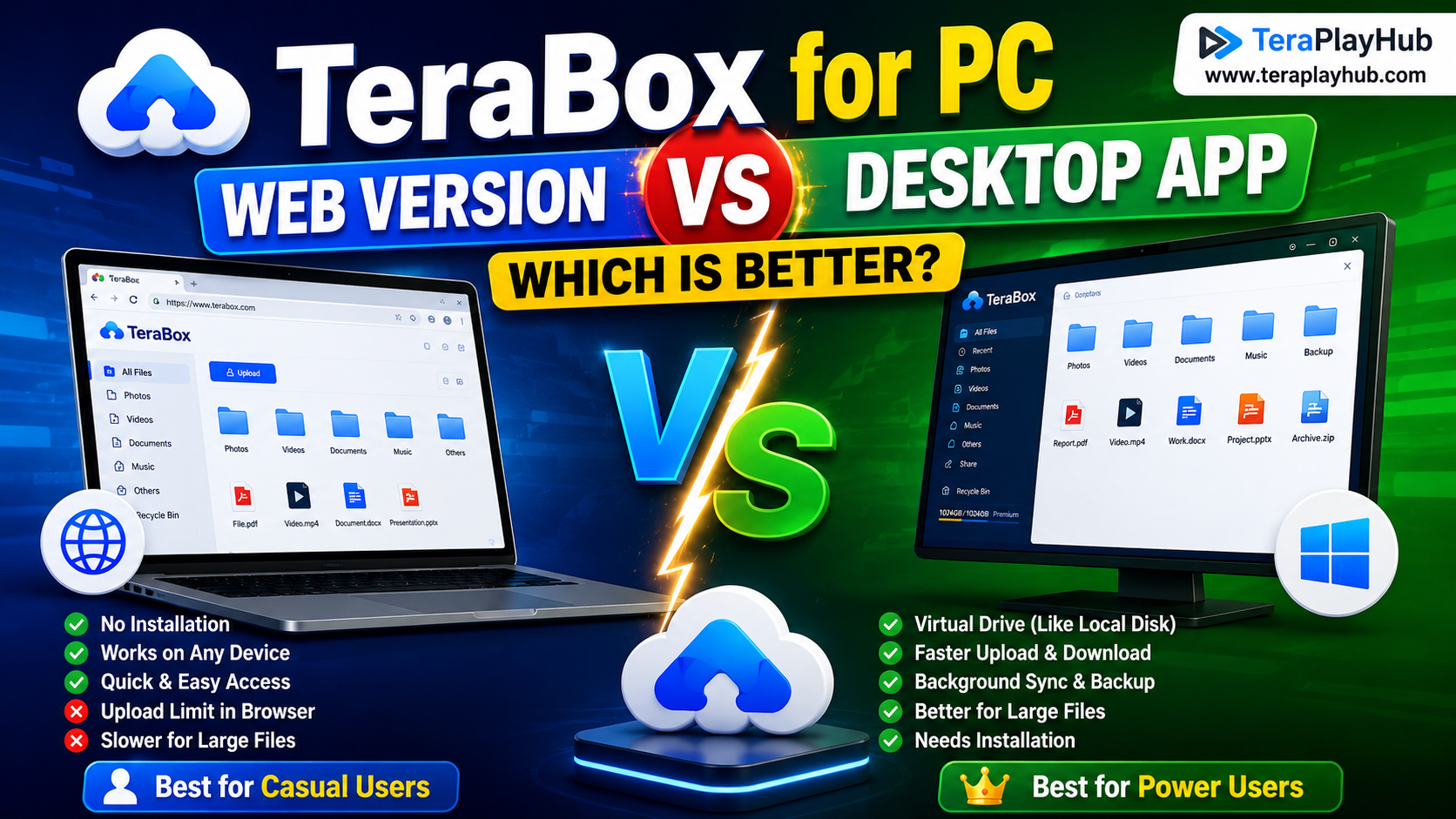
TeraBox for PC: Web Version vs Desktop App (Complete 2026 Comparison Guide)
TeraBox Storage Full? How to Clean Up and Manage 1TB Data Efficiently
How to Share TeraBox Files Safely in 2026 (Private Links, Passwords & Security Tips)
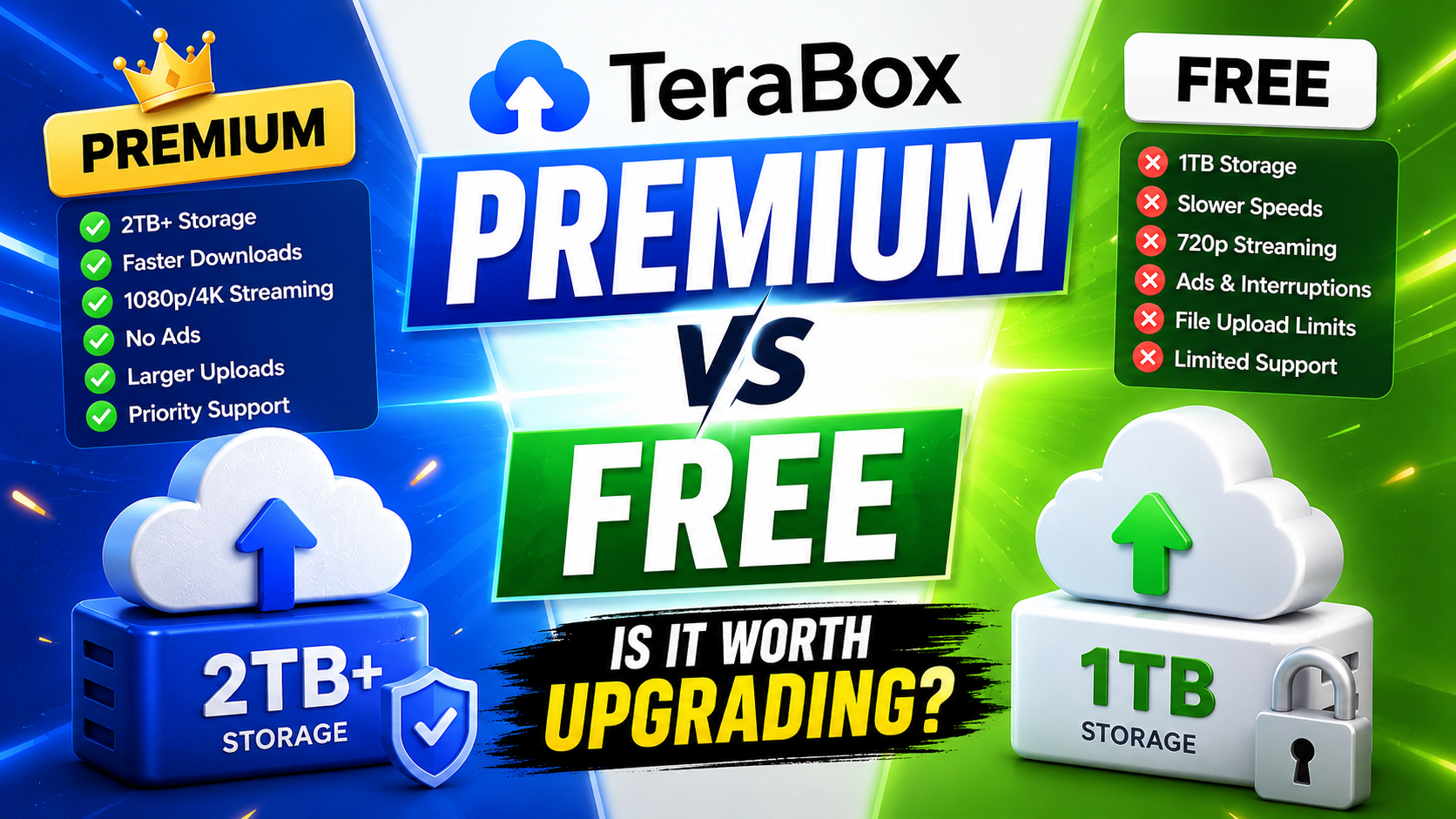
TeraBox Free vs Premium: Is Upgrading Really Worth It in 2026?