How to Use TeraBox on Smart TV (Samsung, Android TV & Fire TV)
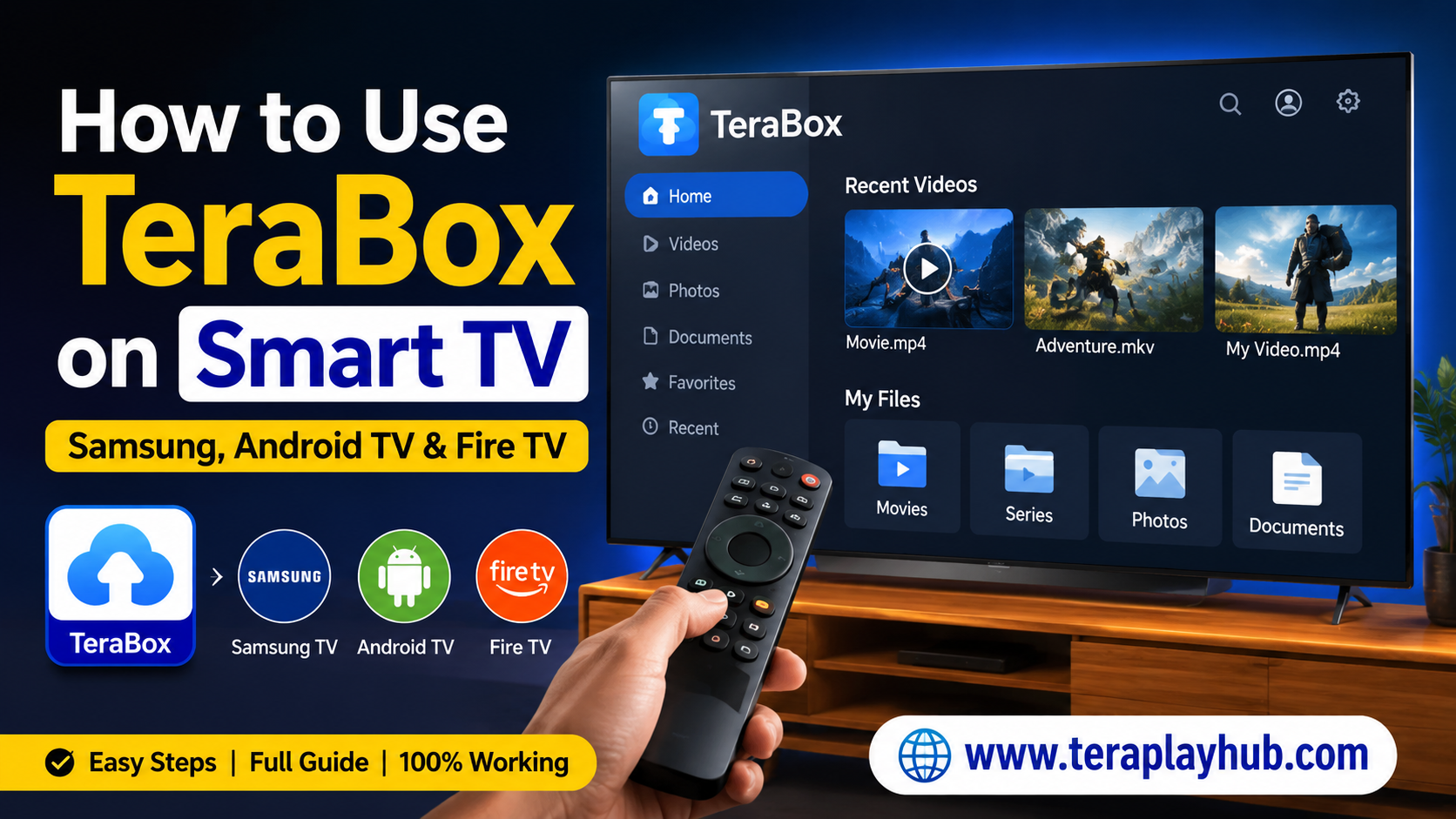
How to Use TeraBox on Smart TV (Samsung, Android TV & Fire TV)
Watching movies, web series, and personal videos on a big TV screen feels much better than watching on a mobile phone. Many users store videos in TeraBox because it offers free cloud storage and easy online streaming. But one common question people ask is:
Can you use TeraBox on Smart TV?
The answer is yes.
In this detailed guide, you will learn how to use TeraBox on different Smart TVs including:
- Samsung Smart TV
- Android TV
- Fire TV Stick
- Google TV
- Other Smart TVs
This guide is beginner-friendly and includes easy setup steps, troubleshooting tips, and streaming methods.
What is TeraBox?
TeraBox is a popular cloud storage platform that allows users to upload, save, stream, and download files online. Many people use it to store:
- Movies
- Web series
- Personal videos
- Photos
- Documents
- Backup files
One of the biggest advantages of TeraBox is that users can stream videos directly without downloading them completely.
Can You Install TeraBox on Smart TV?
Yes, but it depends on your TV operating system.
Some TVs support the official app directly, while others require casting or browser access.
Here is a quick overview:
| Device | TeraBox Support |
|---|---|
| Android TV | Yes |
| Fire TV Stick | Yes |
| Google TV | Yes |
| Samsung Smart TV | Browser/Casting |
| LG Smart TV | Browser/Casting |
| Roku TV | Screen Mirroring |
How to Use TeraBox on Android TV
Android TV provides the easiest way to use TeraBox because it supports Android apps.
Step 1: Open Google Play Store
Turn on your Android TV and open the Google Play Store.
Step 2: Search for TeraBox
Using the TV remote:
- Search for “TeraBox”
- Open the official app
Make sure you download the original app only.
Step 3: Install the App
Click on:
Install
Wait for the installation process to complete.
Step 4: Login to Your Account
Open the TeraBox app and login using:
- Google account
- Email ID
After login, your cloud files will appear automatically.
Step 5: Start Watching Videos
Now you can:
- Stream videos
- Watch movies
- Access saved files
- View photos on big screen
For smooth playback, use a stable WiFi connection.
How to Use TeraBox on Fire TV Stick
Amazon Fire TV does not always show TeraBox directly in the App Store depending on region. But you can still use it easily.
Method 1: Install Using Downloader App
Step 1: Install Downloader
- Open Amazon App Store
- Search “Downloader”
- Install it
Step 2: Enable Unknown Apps
Go to:
Settings > My Fire TV > Developer Options
Enable:
- Apps from Unknown Sources
Step 3: Download TeraBox APK
Open Downloader and enter the official TeraBox APK download link.
Install the APK carefully.
Step 4: Login and Stream
Open the app and login to access your cloud videos.
How to Use TeraBox on Samsung Smart TV
Samsung TVs use the Tizen operating system, which usually does not support the Android TeraBox app directly.
But there are still multiple working methods.
Method 1: Use TeraBox in TV Browser
This is the easiest method.
Steps
- Open Samsung Internet Browser
- Visit the official TeraBox website
- Login to your account
- Open videos and stream directly
This method works well for most users.
Method 2: Screen Mirroring from Mobile
You can cast TeraBox from your smartphone to Samsung TV.
Android Phone Steps
- Connect phone and TV to same WiFi
- Open Smart View or Cast
- Select your Samsung TV
- Open TeraBox app on phone
- Play any video
The video will appear on the TV screen.
Method 3: HDMI Connection
You can also connect:
- Laptop
- PC
- Mobile phone
using HDMI cable and stream TeraBox on TV.
This method provides stable video playback and better quality.
How to Use TeraBox on Google TV
Google TV works similarly to Android TV.
Installation Steps
- Open Play Store
- Search TeraBox
- Install app
- Login
- Start streaming
Most modern Google TVs support TeraBox smoothly.
Best Internet Speed for Smooth Streaming
For buffer-free streaming, recommended speed is:
| Video Quality | Recommended Speed |
|---|---|
| 480p | 5 Mbps |
| 720p | 10 Mbps |
| 1080p | 20 Mbps |
| 4K | 50 Mbps |
A stable internet connection improves playback performance significantly.
Common Problems and Solutions
1. TeraBox Not Opening on TV
Solution
- Restart TV
- Clear browser cache
- Reinstall app
- Update TV software
2. Video Buffering Issue
Solution
- Use fast WiFi
- Reduce video quality
- Restart router
- Close background apps
3. Login Problem
Solution
- Reset password
- Check internet connection
- Use correct email account
4. Black Screen While Streaming
Solution
- Restart app
- Change browser
- Update app version
Tips for Better Streaming Experience
Here are some useful tips:
- Use 5GHz WiFi if available
- Keep TV software updated
- Avoid low-quality APK files
- Use original TeraBox app only
- Clear app cache regularly
These small optimizations improve streaming performance.
Is TeraBox Safe to Use on Smart TV?
TeraBox is generally safe if downloaded from official sources.
For security:
- Avoid modified APK files
- Use strong passwords
- Enable account protection
- Do not share login details publicly
Always download apps from trusted platforms.
Advantages of Using TeraBox on TV
Using TeraBox on Smart TV offers several benefits:
- Big screen viewing
- Better movie experience
- Easy cloud access
- No need to transfer files manually
- Watch anywhere with internet
It becomes very convenient for entertainment and backup access.
Final Words
Using TeraBox on Smart TV is easier than most people think. Whether you have:
- Samsung TV
- Android TV
- Fire TV Stick
- Google TV
you can easily stream videos from your cloud storage on a larger screen.
Android TV users get the easiest experience through the official app, while Samsung TV users can use browser streaming or screen mirroring methods.
If you follow the steps carefully, you can enjoy smooth TeraBox streaming without any technical problems.
We hope this guide helped you understand everything about using TeraBox on Smart TV.
Most Popular Posts
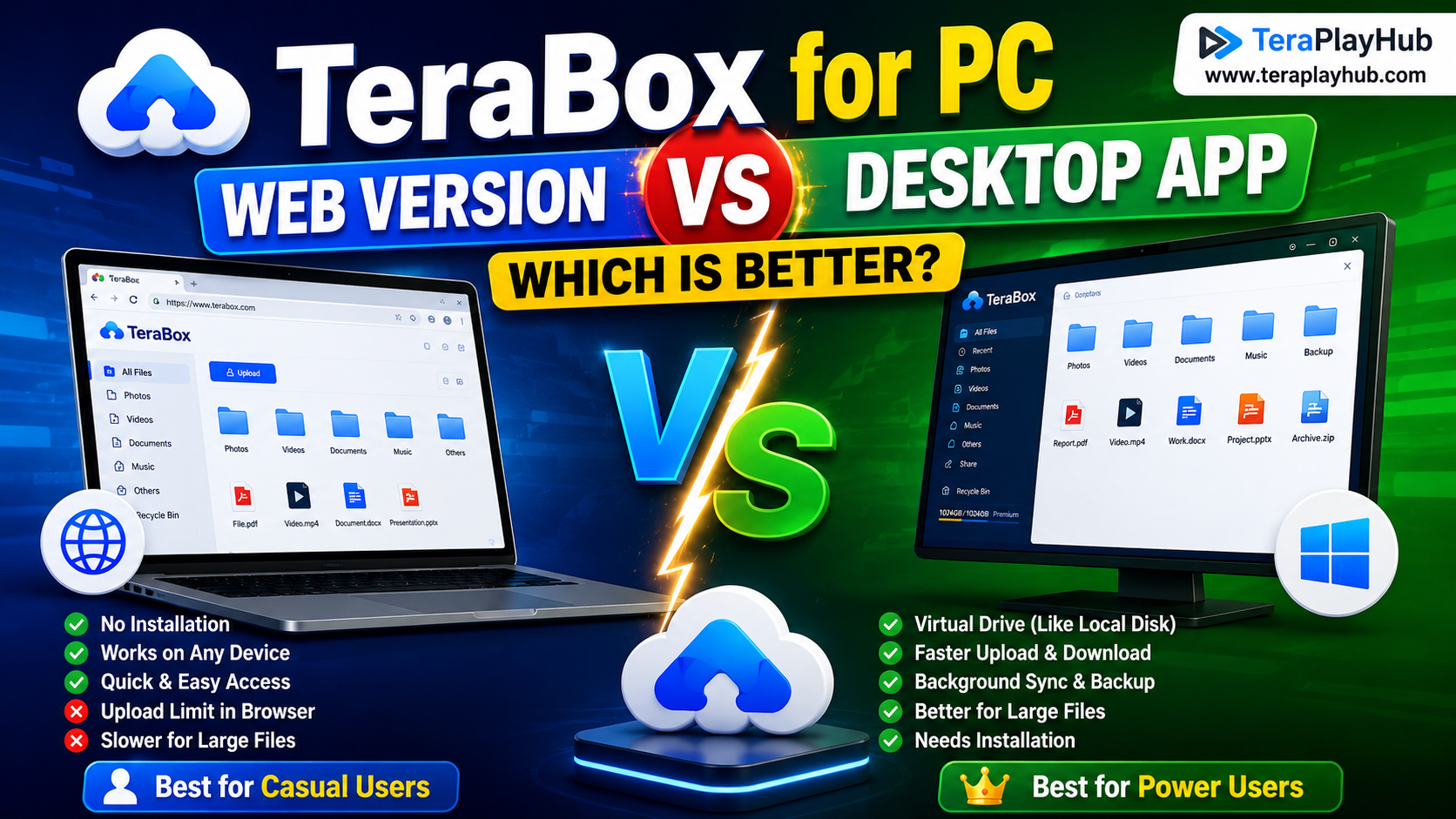
TeraBox for PC: Web Version vs Desktop App (Complete 2026 Comparison Guide)
TeraBox Storage Full? How to Clean Up and Manage 1TB Data Efficiently
How to Share TeraBox Files Safely in 2026 (Private Links, Passwords & Security Tips)
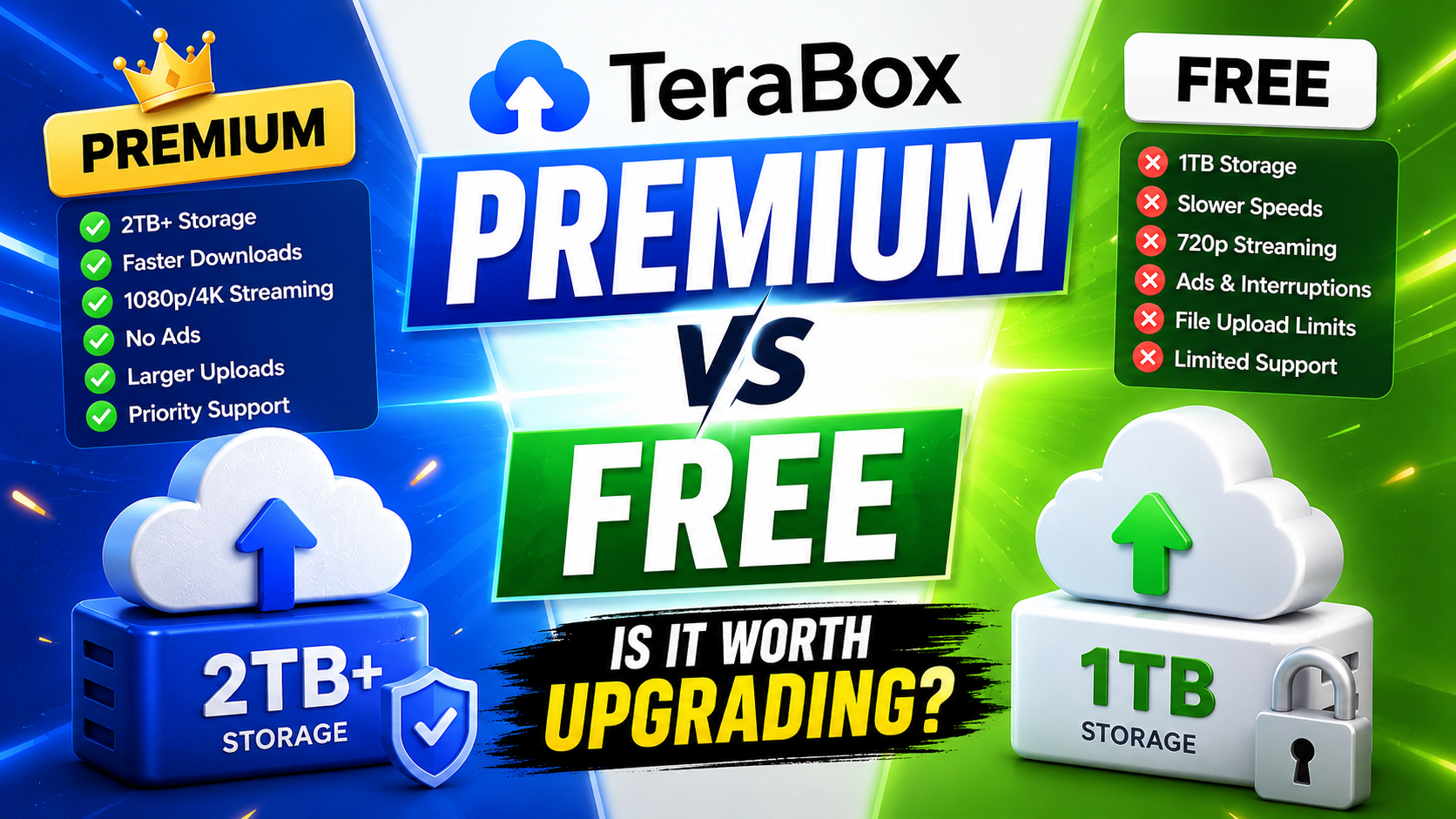
TeraBox Free vs Premium: Is Upgrading Really Worth It in 2026?
Best Android Cleaner Apps in 2026 (Safe & Tested)