Best Android Cleaner Apps in 2026 (Safe & Tested)

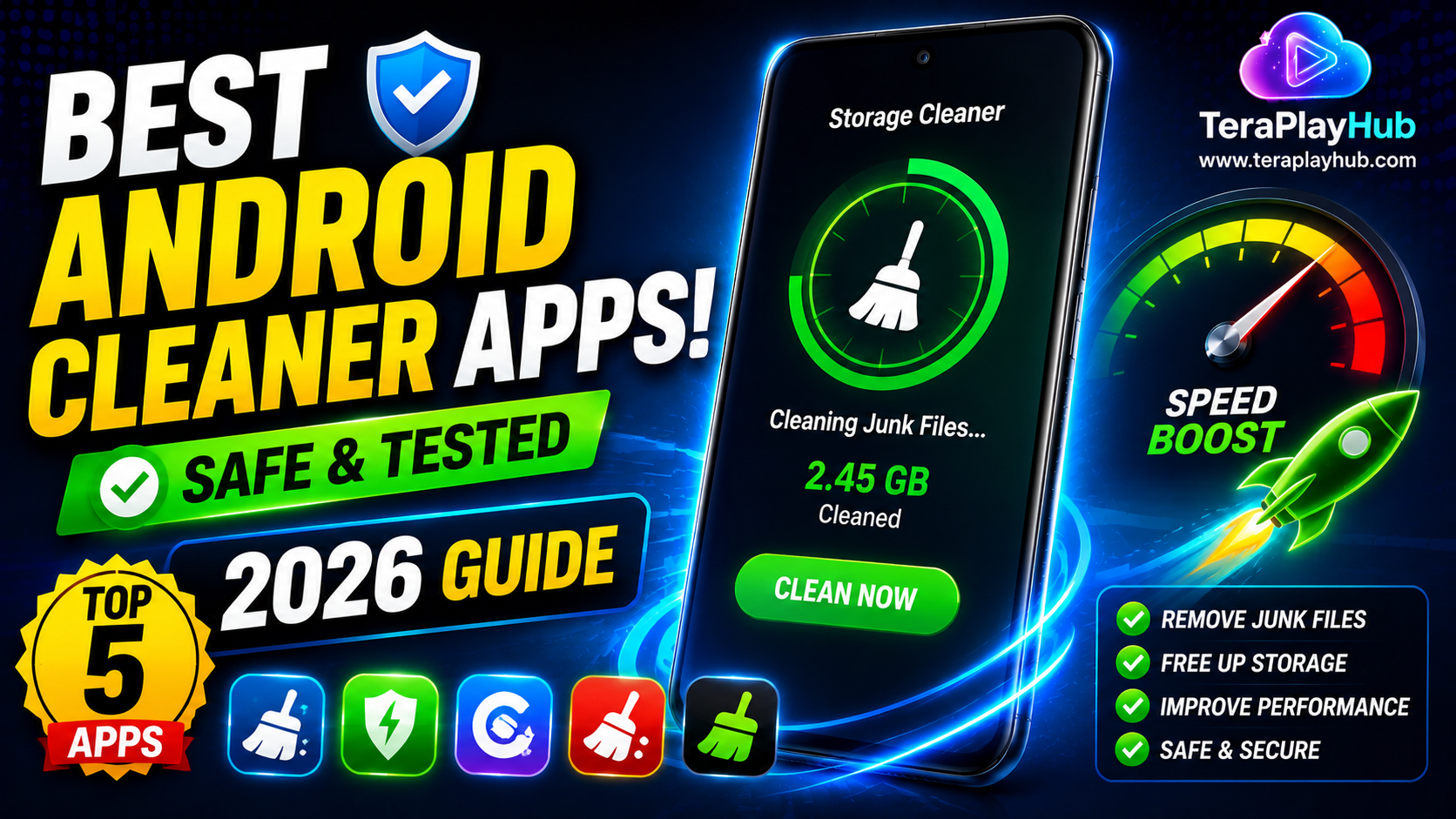
Best Android Cleaner Apps in 2026 (Safe & Tested)
As Android phones get older, they often accumulate thousands of temporary files, unused downloads, app cache, and duplicate media. Over time, this clutter can consume valuable storage space and make your device feel slower.
Many users search for cleaner apps hoping to improve performance. However, not all cleaner apps are useful. Some provide real value, while others simply display excessive ads without offering meaningful improvements.
In this guide, we'll explore the best Android cleaner apps in 2026 that are safe, reliable, and genuinely useful.
Do Android Phones Really Need Cleaner Apps?
Modern Android versions automatically manage many system processes.
However, cleaner apps can still help with:
- Removing junk files
- Finding duplicate files
- Managing large downloads
- Clearing unnecessary cache
- Organizing storage
The key is choosing trustworthy apps.
What Makes a Good Android Cleaner App?
Before installing any cleaner app, look for:
✅ Trusted developer
✅ Regular updates
✅ Simple interface
✅ No misleading ads
✅ Useful storage management tools
✅ Positive user reviews
Avoid apps that promise unrealistic performance boosts.
1. Files by Google
Why It Stands Out
Files by Google is one of the most trusted storage management apps available today.
Features include:
- Junk file cleanup
- Duplicate file detection
- Storage recommendations
- Large file finder
- Offline file sharing
Pros
- Completely free
- Lightweight
- No unnecessary features
- Developed by Google
Cons
- Limited advanced cleaning options
Best For
Users looking for a safe and simple storage cleaner.
2. SD Maid SE
SD Maid has built a strong reputation among Android users.
It focuses on finding leftover files that remain after uninstalling apps.
Features
- App residue cleaning
- Storage analysis
- Duplicate file finder
- Database optimization
Pros
- Powerful cleaning tools
- Advanced controls
- Excellent storage management
Cons
- Some features require premium access
Best For
Advanced users who want deeper storage cleanup.
3. CCleaner for Android
CCleaner remains one of the most recognized cleaning tools.
Features
- Junk file removal
- App management
- Storage analysis
- Performance monitoring
Pros
- Easy interface
- Trusted brand
- Useful storage insights
Cons
- Contains advertisements in free version
Best For
Beginners who want a familiar cleaning solution.
4. AVG Cleaner
AVG Cleaner focuses on storage management and battery optimization.
Features
- Cache cleaning
- Photo cleanup
- Duplicate detection
- Battery monitoring
Pros
- Attractive design
- Helpful recommendations
- Automatic cleanup options
Cons
- Premium features locked behind subscription
Best For
Users wanting both cleaning and battery management.
5. Norton Clean
Developed by a well-known security company, Norton Clean provides a simple and secure cleaning experience.
Features
- Cache removal
- APK cleanup
- Residual file cleanup
- Storage optimization
Pros
- Lightweight
- Easy to use
- Security-focused developer
Cons
- Fewer features than competitors
Best For
Users who prefer simplicity and safety.
Comparison Table
| App | Free Version | Duplicate Finder | Junk Cleaner | Beginner Friendly |
|---|---|---|---|---|
| Files by Google | Yes | Yes | Yes | Excellent |
| SD Maid SE | Partial | Yes | Yes | Good |
| CCleaner | Yes | Limited | Yes | Excellent |
| AVG Cleaner | Yes | Yes | Yes | Good |
| Norton Clean | Yes | Limited | Yes | Excellent |
Features You Actually Need
Many cleaner apps advertise hundreds of features.
In reality, the most useful tools are:
- Storage analysis
- Duplicate detection
- Junk cleanup
- Download management
- Large file identification
Everything else is often unnecessary.
Cleaner App Myths
Myth 1: Cleaner Apps Double Phone Speed
No cleaner app can magically double performance.
Most improvements come from:
- Freeing storage
- Reducing clutter
- Better file organization
Myth 2: RAM Cleaner Apps Are Essential
Modern Android manages RAM automatically.
Aggressive RAM cleaning can sometimes reduce performance.
Myth 3: You Need Multiple Cleaner Apps
Installing several cleaner apps often creates more problems than benefits.
One trusted cleaner app is usually enough.
Tips for Better Android Performance
Besides cleaner apps:
Keep Storage Free
Maintain at least:
- 10% to 15% free storage
Remove Unused Apps
Delete apps you haven't used in months.
Update Android
Software updates often improve performance and stability.
Restart Weekly
A simple restart helps clear temporary processes.
Organize Downloads
Old downloads can occupy surprising amounts of storage.
Which Cleaner App Should You Choose?
Best Overall
Files by Google
Best Advanced Cleaner
SD Maid SE
Best for Beginners
CCleaner
Best for Battery Management
AVG Cleaner
Best Lightweight Option
Norton Clean
Frequently Asked Questions
Are Android cleaner apps safe?
Trusted apps from reputable developers are generally safe. Always download from the Google Play Store.
Can cleaner apps improve battery life?
Indirectly, yes. Reducing background clutter and unnecessary files may improve efficiency.
Do cleaner apps remove photos?
Not automatically. Most apps ask for confirmation before deleting files.
Is Files by Google enough?
For most users, yes. It offers excellent storage management without unnecessary complexity.
Final Verdict
Android cleaner apps can be helpful when used correctly. The best options focus on storage management rather than unrealistic performance promises.
For most users, Files by Google provides everything needed to:
- Remove junk files
- Free storage space
- Find duplicates
- Organize files
Combined with regular maintenance, these tools can help keep your Android phone running smoothly throughout 2026 and beyond.
Most Popular Posts

How to Use TeraBox on Smart TV (Samsung, Android TV & Fire TV)
Fix Video Audio Codec Problems on Android & Windows (2026)
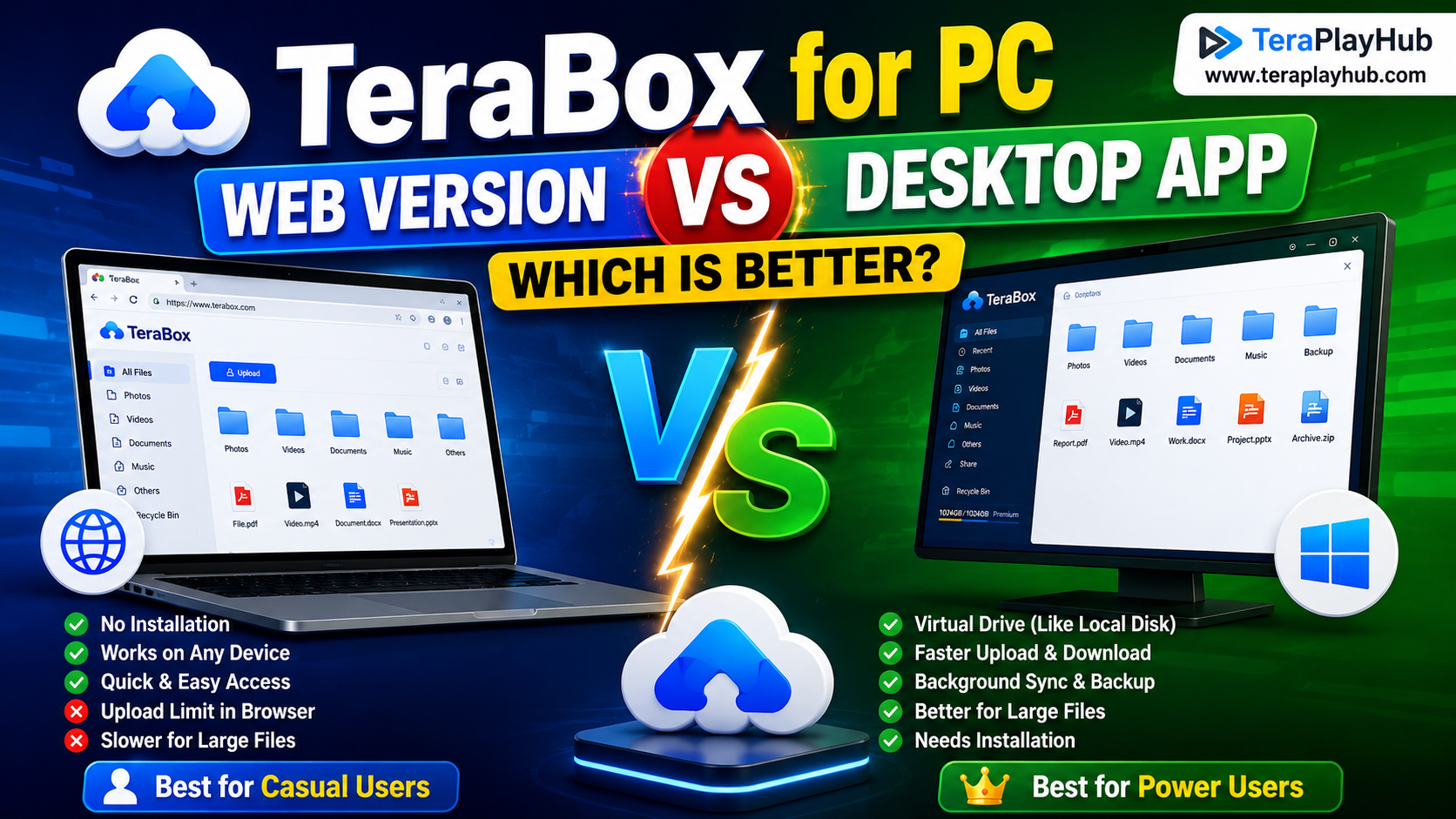
TeraBox for PC: Web Version vs Desktop App (Complete 2026 Comparison Guide)
TeraBox Storage Full? How to Clean Up and Manage 1TB Data Efficiently
How to Share TeraBox Files Safely in 2026 (Private Links, Passwords & Security Tips)