Google Drive vs TeraBox Speed Test (2026 Real Comparison)

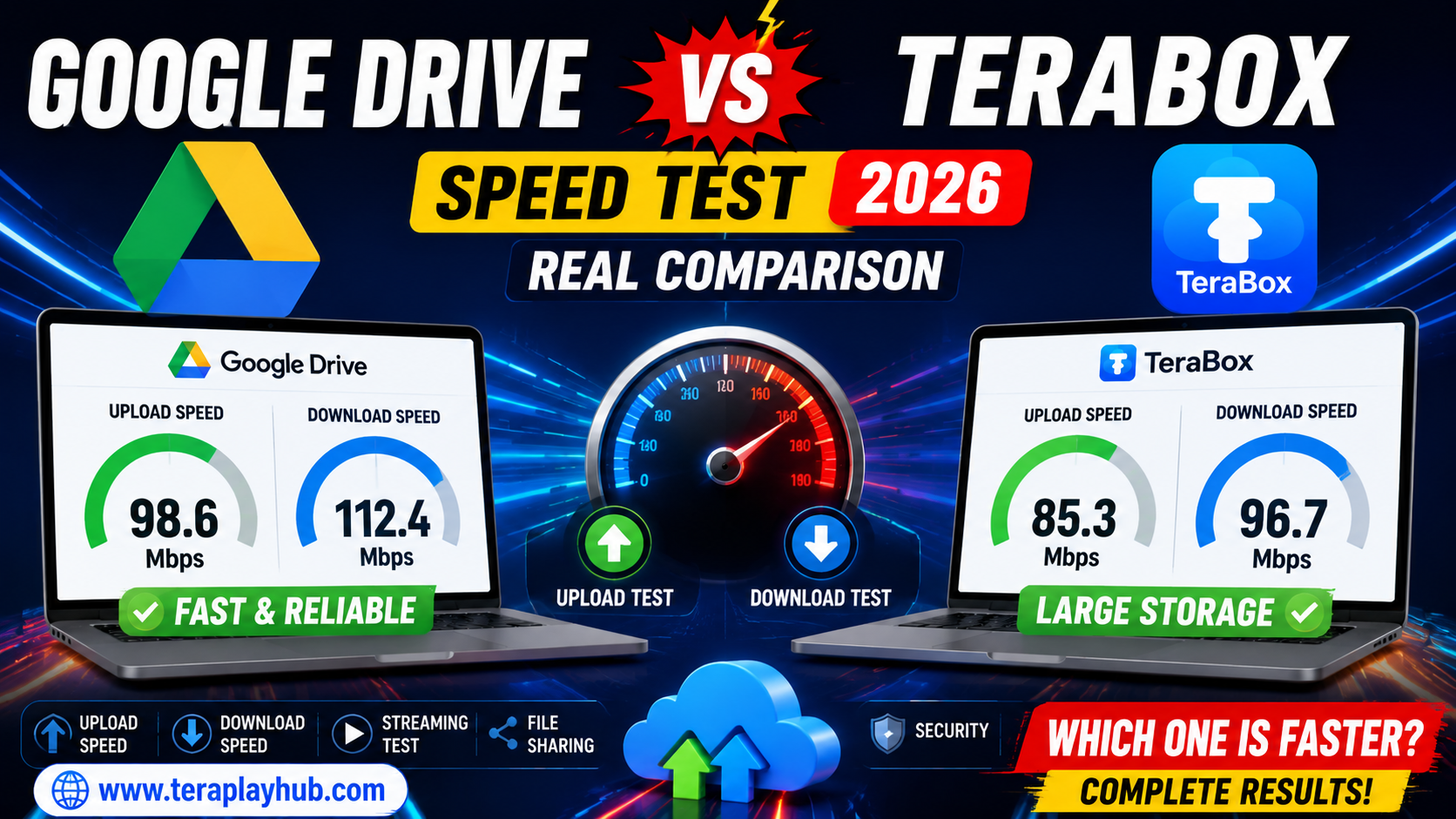
Google Drive vs TeraBox Speed Test (2026 Real Comparison)
Cloud storage platforms are becoming more important every year. Whether you store videos, documents, backups, or large media collections, upload and download speed plays a major role in the overall experience.
Two of the most searched cloud storage platforms in 2026 are:
- Google Drive
- TeraBox
Both services are popular, but users often ask:
- Which one uploads files faster?
- Which service downloads files quicker?
- Which platform is better for streaming videos?
- Is TeraBox really faster than Google Drive?
- Which cloud storage works best for large files?
To answer these questions, we tested both platforms in real-world conditions and compared their speed, performance, usability, and reliability.
This article explains everything in a simple and beginner-friendly way.
Overview of Both Platforms
Before comparing speed, let’s quickly understand both services.
| Platform | Free Storage | Best For |
|---|---|---|
| Google Drive | 15GB | Productivity & collaboration |
| TeraBox | 1TB | Large media storage |
Google Drive focuses more on productivity and file collaboration, while TeraBox mainly targets users needing large free cloud storage.
Test Setup Used for Comparison
To make the comparison fair, we tested both services under the same conditions.
Test Environment
- Internet Speed: 200 Mbps Fiber Connection
- Device: Windows Laptop
- Browser: Google Chrome
- File Types Tested:
- Video files
- ZIP files
- Images
- Documents
Upload Speed Test
Upload speed is important for users who regularly back up videos, movies, or large files.
Google Drive Upload Speed
Google Drive delivered stable and consistent upload performance during testing.
Results
| File Size | Average Upload Time |
|---|---|
| 500MB Video | 48 seconds |
| 2GB ZIP File | 3 minutes 40 seconds |
| 5GB Video | 9 minutes |
Observations
Stable Performance
Upload speed remained steady even during large transfers.
Better Multi-Tasking
Google Drive handled background uploads smoothly while browsing.
Strong Reliability
No upload failures happened during testing.
TeraBox Upload Speed
TeraBox performed well for smaller uploads but showed some variation during larger transfers.
Results
| File Size | Average Upload Time |
|---|---|
| 500MB Video | 55 seconds |
| 2GB ZIP File | 4 minutes 25 seconds |
| 5GB Video | 11 minutes |
Observations
Good Speed for Casual Users
Smaller file uploads worked smoothly.
Speed Variation
Large uploads sometimes slowed during peak usage.
Background Upload Issues
Occasional pauses happened while switching browser tabs.
Upload Speed Winner
Winner: Google Drive
Google Drive offered:
- More stable uploads
- Faster large file transfer
- Better reliability
TeraBox still performed reasonably well considering its huge free storage.
Download Speed Test
Download speed matters when accessing stored videos, backups, or shared files.
Google Drive Download Results
| File Size | Average Download Time |
|---|---|
| 1GB File | 40 seconds |
| 5GB File | 3 minutes 10 seconds |
Performance Notes
- Very stable download speed
- Fast server response
- Smooth large file handling
TeraBox Download Results
| File Size | Average Download Time |
|---|---|
| 1GB File | 52 seconds |
| 5GB File | 4 minutes 5 seconds |
Performance Notes
- Good speed overall
- Some waiting before downloads start
- Occasional slower response during busy hours
Download Speed Winner
Winner: Google Drive
Google Drive provided faster and more consistent download performance in most tests.
Video Streaming Comparison
Many users now stream videos directly from cloud storage instead of downloading them fully.
This area is extremely important.
Google Drive Streaming Performance
Google Drive streams videos smoothly with:
- Quick loading
- Better buffering control
- Stable playback quality
However, some high-quality videos required processing before playback.
TeraBox Streaming Performance
TeraBox performed surprisingly well for video streaming.
Advantages
- Direct playback support
- Good media interface
- Easy video access
For movie lovers, TeraBox feels more media-focused.
Streaming Winner
Winner: TeraBox
TeraBox offers a better entertainment-focused experience for video streaming users.
File Sharing Comparison
Sharing files quickly is important for students, office workers, and creators.
Google Drive Sharing
Google Drive offers:
- Permission controls
- Team collaboration
- Link management
- Real-time editing
Excellent for productivity workflows.
TeraBox Sharing
TeraBox sharing is simpler but less advanced.
It works well for casual sharing but lacks professional collaboration tools.
File Sharing Winner
Winner: Google Drive
Google Drive remains one of the best file-sharing ecosystems available.
Mobile App Performance
We also tested both apps on Android devices.
Google Drive App
Pros
- Fast syncing
- Smooth UI
- Excellent optimization
- Better multitasking
TeraBox App
Pros
- Large media support
- Easy backup
- Simple interface
Cons
- More ads in free version
- Slightly heavier app performance
Mobile Experience Winner
Winner: Google Drive
Google Drive feels smoother and more polished overall.
Storage Value Comparison
This is where TeraBox becomes very attractive.
| Platform | Free Storage |
|---|---|
| Google Drive | 15GB |
| TeraBox | 1TB |
The difference is massive.
For users storing:
- Movies
- Videos
- Large backups
TeraBox provides much better free storage value.
Security Comparison
Security is extremely important for cloud storage.
Google Drive Security
Google offers:
- Strong encryption
- Two-factor authentication
- Advanced account protection
TeraBox Security
TeraBox includes:
- Password protection
- Secure login systems
- Cloud encryption
However, Google still has a stronger long-term reputation for enterprise-level security.
Security Winner
Winner: Google Drive
Google Drive offers stronger trust and security infrastructure.
Ads and User Experience
Google Drive
- Clean interface
- No intrusive ads
- Professional environment
TeraBox
- Ads in free version
- Some popups
- Entertainment-focused design
This can affect user experience slightly.
Real-World Usage: Which One is Better?
The answer depends on your needs.
Choose Google Drive If You Want
- Faster upload speed
- Better downloads
- Team collaboration
- Office productivity
- Reliable syncing
- Professional workflow
Choose TeraBox If You Want
- Huge free storage
- Video streaming
- Movie backup
- Casual cloud storage
- Media-focused usage
Final Speed Test Results
| Category | Winner |
|---|---|
| Upload Speed | Google Drive |
| Download Speed | Google Drive |
| Video Streaming | TeraBox |
| File Sharing | Google Drive |
| Storage Value | TeraBox |
| Security | Google Drive |
| Productivity | Google Drive |
Frequently Asked Questions
Is TeraBox faster than Google Drive?
In most upload and download tests, Google Drive performed faster and more consistently.
Which is better for movies and videos?
TeraBox is better for large video collections and streaming.
Which cloud storage is safer?
Google Drive generally offers stronger security and reliability.
Is TeraBox really free?
Yes, TeraBox provides a very large free storage plan with optional premium upgrades.
Final Verdict
Both Google Drive and TeraBox are useful cloud storage platforms, but they serve different types of users.
Google Drive is better for:
- Speed
- Productivity
- Reliability
- Collaboration
- Professional work
TeraBox is better for:
- Massive free storage
- Entertainment
- Video streaming
- Casual backup needs
If your priority is speed and professional usage, Google Drive remains the better option in 2026.
But if you need huge free storage for movies and personal media, TeraBox offers excellent value.
We hope this detailed comparison helped you understand the real differences between Google Drive and TeraBox.
Most Popular Posts

How to Use TeraBox on Smart TV (Samsung, Android TV & Fire TV)
TeraBox for PC: Web Version vs Desktop App (Complete 2026 Comparison Guide)
TeraBox Storage Full? How to Clean Up and Manage 1TB Data Efficiently
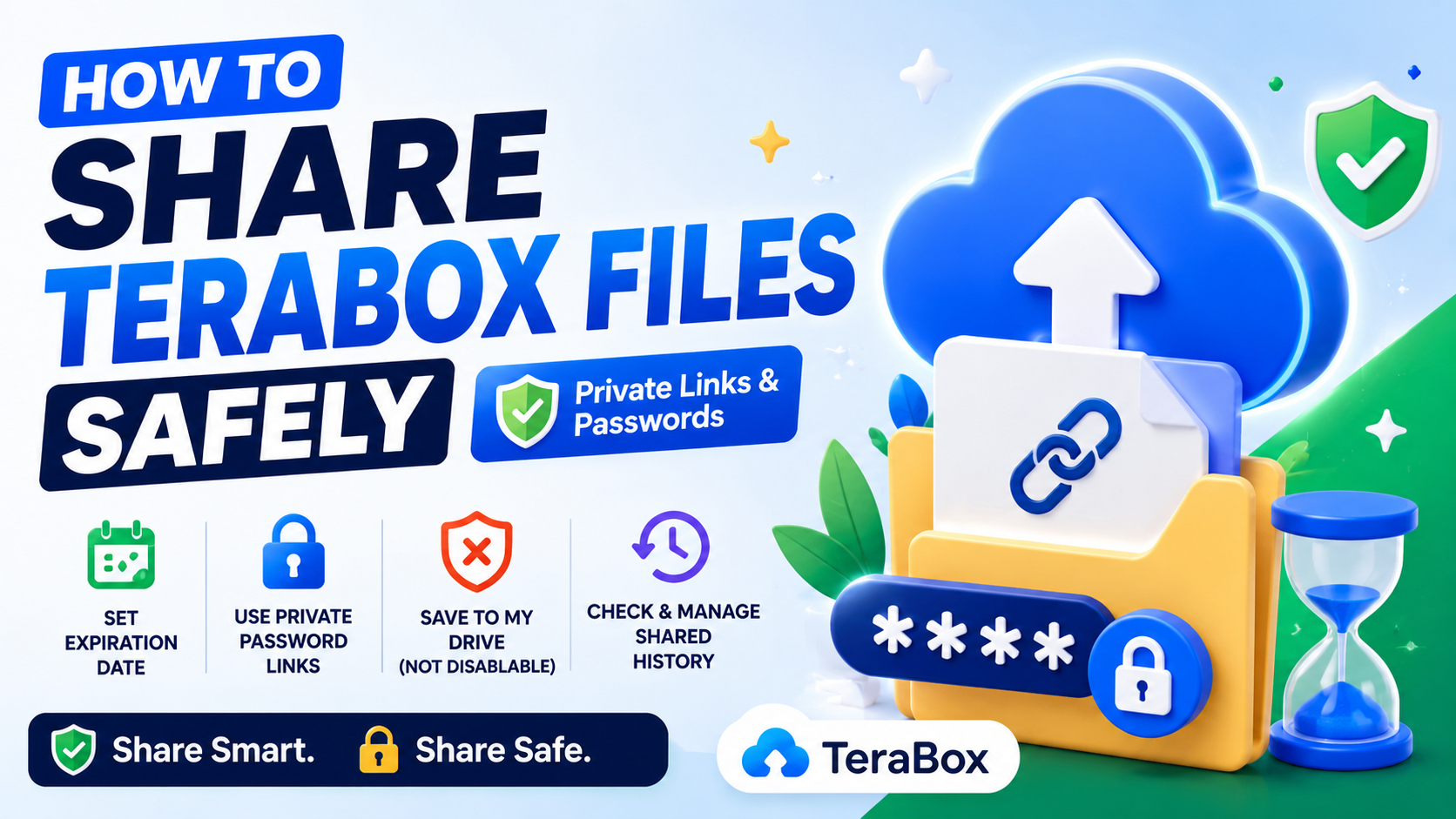
How to Share TeraBox Files Safely in 2026 (Private Links, Passwords & Security Tips)
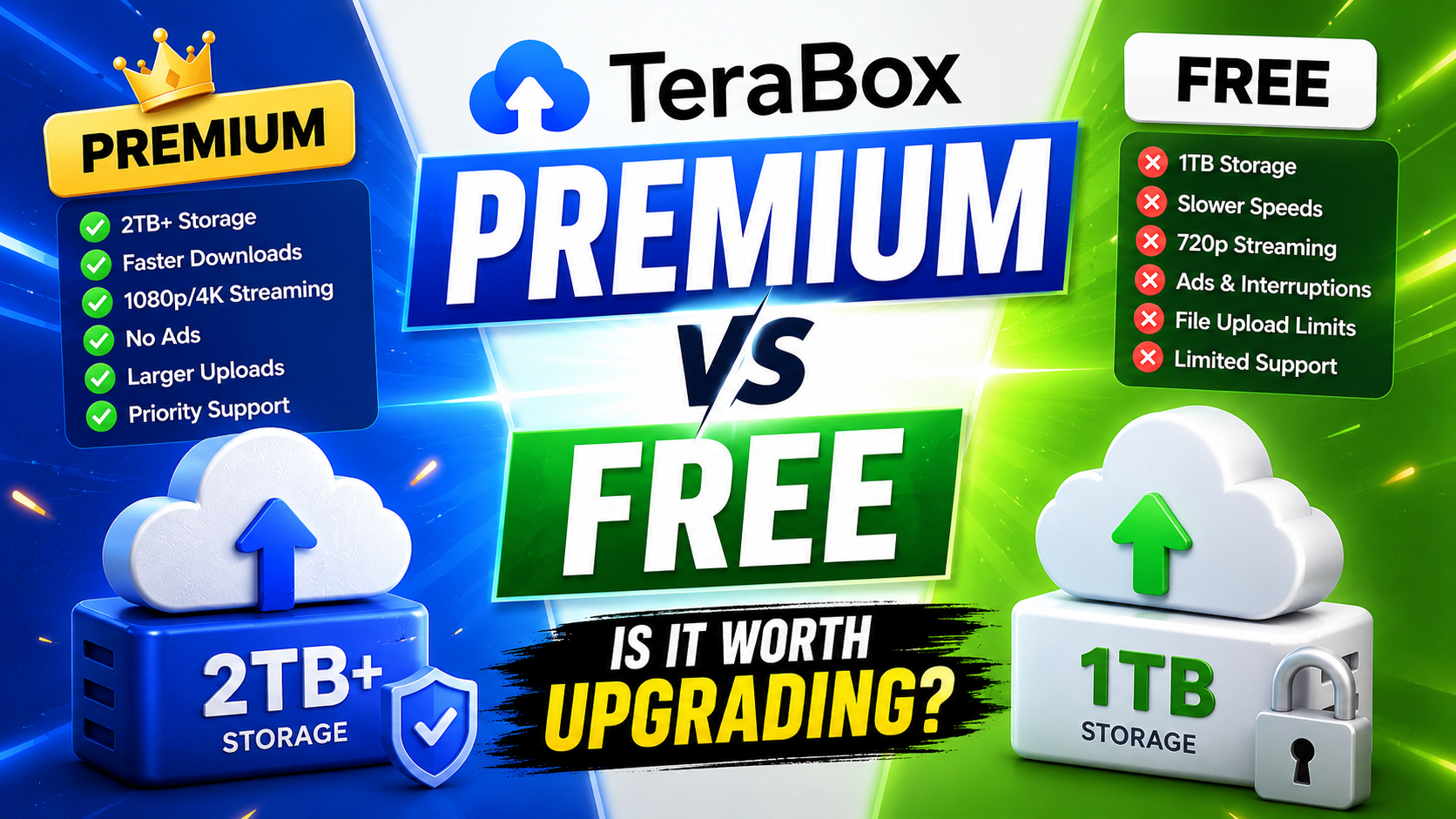
TeraBox Free vs Premium: Is Upgrading Really Worth It in 2026?