How to Share TeraBox Files Safely in 2026 (Private Links, Passwords & Security Tips)

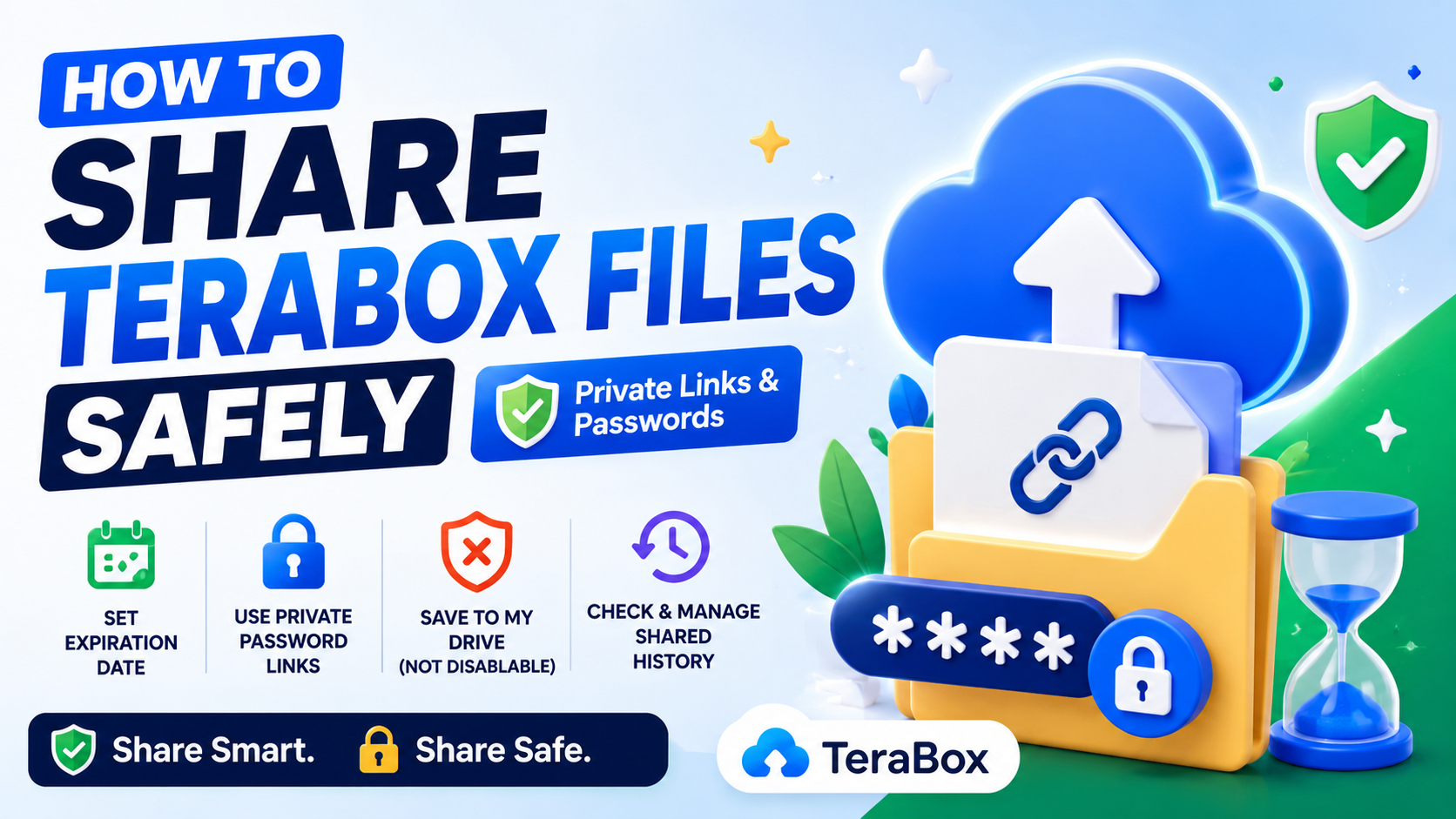
How to Share TeraBox Files Safely in 2026 (Private Links, Passwords & Security Tips)
Cloud storage makes sharing files easier than ever, but sharing files carelessly can expose personal videos, documents, photos, and backups to strangers online.
TeraBox allows users to generate file-sharing links quickly, but many users do not fully understand the privacy settings available inside the platform. A small mistake can accidentally make private files accessible to anyone with the link.
In this guide, you will learn the safest ways to share TeraBox files while protecting your privacy and maintaining control over your content.
Why Secure File Sharing Matters
Many users upload:
- Personal photos
- Work documents
- Family videos
- Private backups
- Important projects
- Sensitive information
If a public link gets leaked online, anyone may be able to access or download those files.
Using proper security settings reduces the risk of:
- Unauthorized downloads
- Link sharing abuse
- Data leaks
- Privacy exposure
- Account misuse
Safe sharing habits are essential for protecting your cloud storage account.
1. Use Private Links Instead of Public Links
When sharing files on TeraBox, always choose a private link whenever possible.
Private links require a password or access code before someone can open the shared content.
Why Private Links Are Safer
- Prevent random users from accessing files
- Add an extra layer of security
- Reduce accidental public exposure
- Improve privacy protection
A private link is much safer than sending completely open download URLs.
2. Add Password Protection
Password-protected links help keep files secure even if the sharing URL gets leaked.
When creating a share link:
- Select the file or folder
- Click Share
- Choose Private Link
- Set a password or access code
- Send the password separately
Best Practices for Password Sharing
- Do not send the password publicly
- Use messaging apps instead of comments
- Avoid simple passwords like 1234
- Change passwords for sensitive files regularly
This simple step greatly improves file security.
3. Set an Expiration Date
One of the easiest ways to reduce risk is limiting how long a shared link remains active.
TeraBox allows users to set expiration periods such as:
- 7 Days
- 30 Days
- Permanent access
Recommended Option
For most users, a 7-day expiration is the safest choice.
Temporary links reduce long-term exposure and help prevent old files from circulating online forever.
4. Avoid Sharing Sensitive Files Publicly
Even with passwords, cloud sharing always carries some level of risk.
Avoid uploading or sharing:
- Government IDs
- Banking information
- Password databases
- Private client documents
- Personal recovery codes
If files contain highly sensitive data, consider encrypting them before uploading.
5. Monitor Shared Links Regularly
Many users forget old sharing links remain active for months or years.
To stay secure:
- Open your TeraBox dashboard
- Visit the Shared Files section
- Review active links
- Remove unnecessary shares
- Disable expired or unused links
Regular maintenance improves account safety significantly.
6. Be Careful with Folder Sharing
Sharing an entire folder may expose more files than intended.
Before sharing folders:
- Double-check folder contents
- Remove personal documents
- Organize files properly
- Create separate sharing folders
This prevents accidental exposure of unrelated files.
7. Do Not Trust Unknown Downloads
If someone sends you a public TeraBox link, always be cautious before downloading anything.
Unknown files may contain:
- Malware
- Fake APKs
- Suspicious software
- Harmful scripts
Always scan downloaded files using antivirus software before opening them.
8. Enable Strong Account Security
Your file security depends heavily on your account protection.
Important Security Tips
- Use a strong password
- Enable two-factor authentication if available
- Avoid logging in on public devices
- Never share your account credentials
- Update passwords regularly
A secure account prevents unauthorized access to your shared files.
Common Mistakes Users Make
Many users accidentally expose files because of simple mistakes.
Common Examples
- Sharing public links on social media
- Forgetting active shared links
- Using weak passwords
- Sharing entire backup folders
- Leaving links active permanently
Avoiding these mistakes greatly improves cloud privacy.
Is TeraBox Safe for File Sharing?
TeraBox is generally useful for sharing files, backups, videos, and large downloads. However, users should always manage privacy settings carefully.
The platform becomes much safer when you:
- Use private links
- Add passwords
- Set expiration dates
- Review shared links regularly
Good security habits matter more than the platform itself.
Final Thoughts
Cloud storage convenience should never come at the cost of privacy.
TeraBox provides useful sharing features, but users must take responsibility for securing their files properly. By using private links, password protection, expiration dates, and regular account monitoring, you can safely share files while reducing security risks.
Small security improvements today can prevent major privacy problems later.
Safe sharing habits create a better and more secure cloud storage experience for everyone.
Most Popular Posts

How to Use TeraBox on Smart TV (Samsung, Android TV & Fire TV)

TeraBox for PC: Web Version vs Desktop App (Complete 2026 Comparison Guide)
TeraBox Storage Full? How to Clean Up and Manage 1TB Data Efficiently
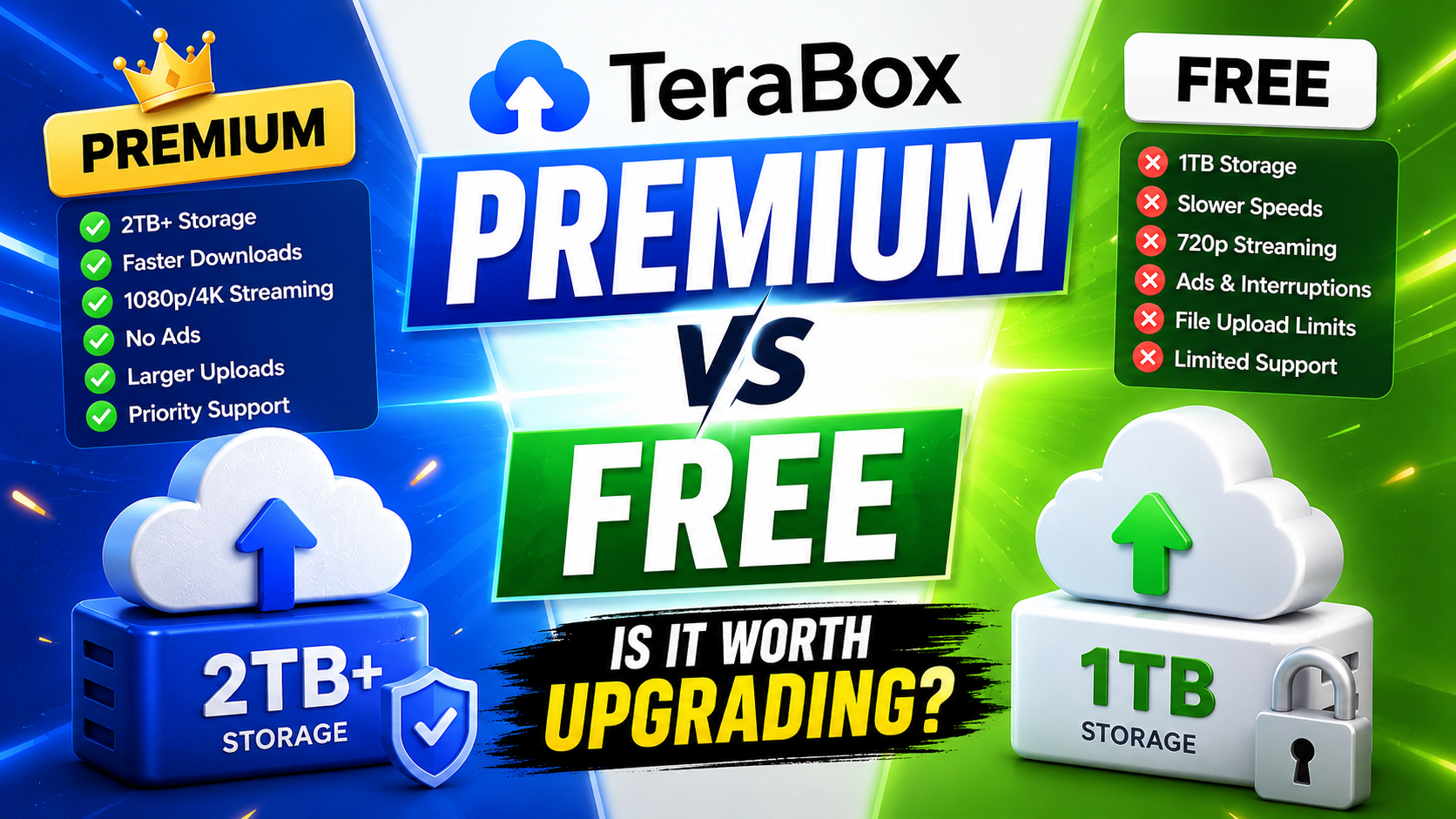
TeraBox Free vs Premium: Is Upgrading Really Worth It in 2026?

Google Drive vs TeraBox Speed Test (2026 Real Comparison)