Best Lightweight Video Players for Low-End Android Phones

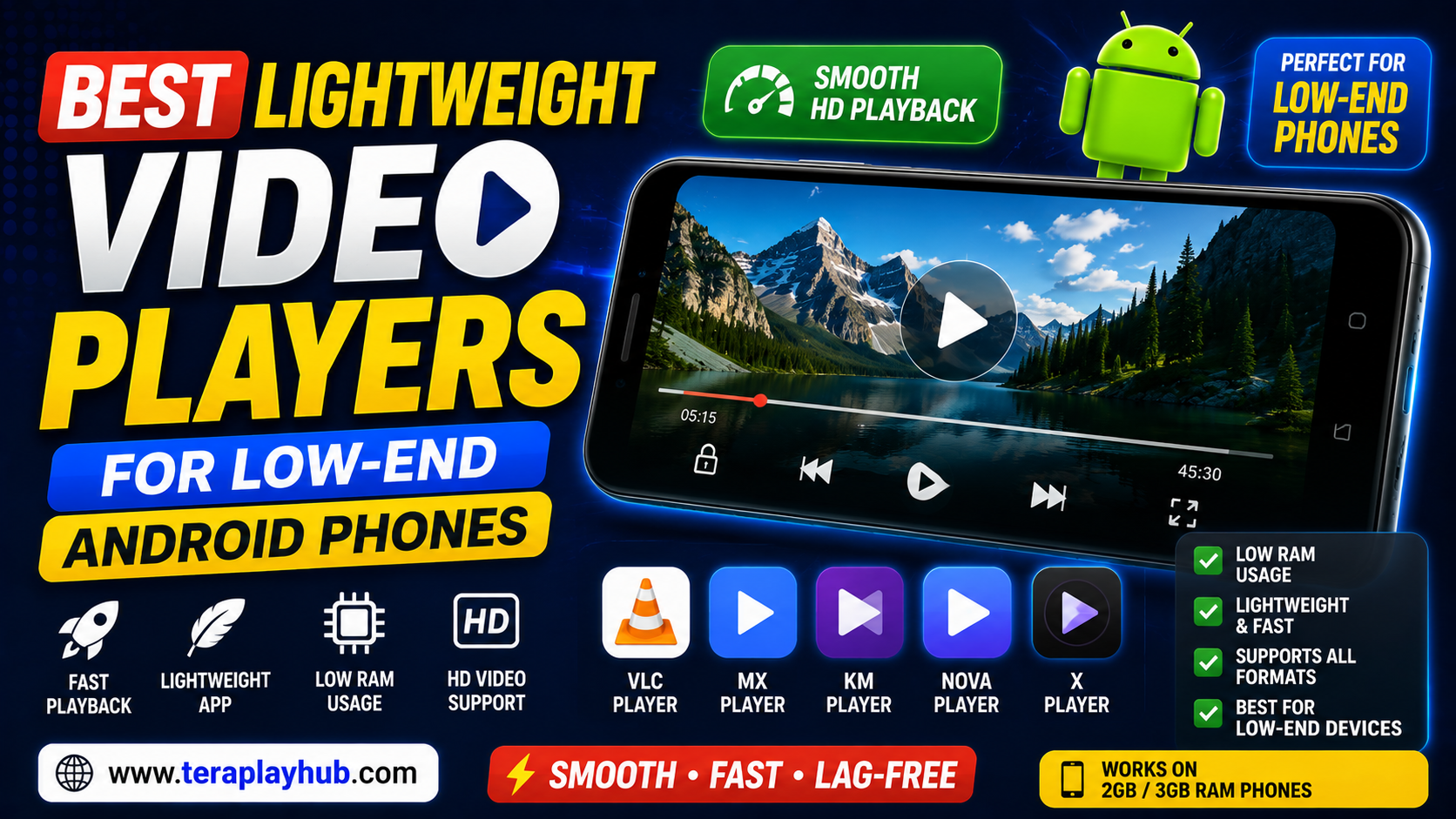
Best Lightweight Video Players for Low-End Android Phones
Many Android users still use budget or older smartphones in 2026.
While modern Android apps continue becoming heavier every year, low-end phones often struggle with:
- Video lag
- Slow playback
- App freezing
- Audio delay
- Battery drain
- High RAM usage
This becomes especially frustrating while watching videos or movies.
The good news is that several lightweight video players are optimized specifically for low-end Android devices.
These apps use:
- Less RAM
- Lower CPU power
- Better optimization
- Faster decoding
while still supporting smooth HD playback.
In this complete beginner-friendly guide, we tested and compared the best lightweight video players for low-end Android phones in 2026.
Everything is explained in simple language.
What Makes a Video Player Lightweight?
A lightweight video player should:
- Use low RAM
- Open quickly
- Support older phones
- Play videos smoothly
- Consume less battery
- Avoid excessive background processes
Heavy media apps can overload weaker Android devices.
Why Low-End Phones Struggle with Video Playback
Budget Android phones usually have:
- Limited RAM
- Weak processors
- Slower storage
- Lower graphics performance
Modern HD and 4K videos require more system resources.
Poorly optimized video players can make playback much worse.
Best Lightweight Video Players for Android in 2026
After testing multiple apps, these are the best choices for smooth playback on low-end devices.
1. VLC Media Player
Overview
VLC remains one of the most popular video players worldwide.
It supports almost every major:
- Video format
- Audio codec
- Subtitle format
without needing extra downloads.
Main Features
- Lightweight performance
- Subtitle support
- Hardware acceleration
- Multiple format support
- No ads
Advantages
Excellent Format Support
VLC handles:
- MP4
- MKV
- AVI
- FLV
- MOV
very smoothly.
Free and Open Source
No hidden charges or forced subscriptions.
Smooth Playback on Older Devices
Optimized decoding improves performance on weaker phones.
Disadvantages
- Interface feels basic
- Some advanced features hidden in settings
Best For
- Overall performance
- Smooth HD playback
- Universal compatibility
2. MX Player
Overview
MX Player remains one of the most optimized Android video players.
It performs especially well on low-end devices.
Main Features
- Hardware acceleration
- Gesture controls
- Subtitle support
- Background playback
Advantages
Excellent Optimization
Works smoothly even on older Android phones.
Strong Subtitle Features
Supports advanced subtitle customization.
Smooth Touch Controls
Easy brightness and volume gestures.
Disadvantages
- Ads in free version
- Some codecs may require plugin packs
Best For
- Subtitle users
- Budget Android phones
- Touch gesture controls
3. Nova Video Player
Overview
Nova Video Player is a lightweight open-source media player focused on simplicity and performance.
Main Features
- Clean interface
- Lightweight design
- Hardware acceleration
- Network streaming support
Advantages
Very Clean Experience
Simple and easy-to-use layout.
Good Low-End Optimization
Uses fewer background resources.
Local Network Support
Can stream media from home servers or PCs.
Disadvantages
- Smaller feature set
- Less popular than VLC or MX Player
Best For
- Lightweight streaming
- Simple media playback
- Minimalist users
4. KMPlayer
Overview
KMPlayer supports many advanced video formats while remaining relatively lightweight.
Main Features
- HD playback
- Subtitle support
- Gesture controls
- Cloud playback support
Advantages
Good Codec Support
Handles many difficult formats smoothly.
Nice User Interface
Modern and visually clean design.
Cloud Playback
Supports online streaming options.
Disadvantages
- Ads in free version
- Slightly heavier than VLC
Best For
- Modern interface lovers
- HD playback users
5. XPlayer
Overview
XPlayer has become popular because of its balance between features and smooth performance.
Main Features
- 4K playback support
- Subtitle support
- Folder privacy tools
- Hardware acceleration
Advantages
Smooth Playback
Performs well on many Android devices.
Simple Interface
Beginner-friendly controls.
Useful Privacy Features
Can protect private videos.
Disadvantages
- Advertisements
- Some premium features locked
Best For
- Everyday users
- Simple video playback
Best Video Player for Very Low RAM Phones
If your device has:
- 2GB RAM
- 3GB RAM
- older processors
these are the best options:
| Video Player | Lightweight Rating |
|---|---|
| VLC | Excellent |
| MX Player | Excellent |
| Nova Video Player | Very Good |
These players perform best on weaker hardware.
Best Video Formats for Smooth Playback
Some formats are easier for low-end phones to decode.
Recommended Formats
| Format | Performance |
|---|---|
| MP4 (H.264) | Excellent |
| AVI | Good |
| MKV | Medium |
| HEVC / H.265 | Heavy |
Older phones may struggle with HEVC videos.
Why Hardware Acceleration Matters
Hardware acceleration uses your phone’s GPU for video decoding.
This improves:
- Playback smoothness
- Battery efficiency
- HD video performance
Most modern video players include this feature.
How to Improve Video Playback on Low-End Phones
Here are some useful optimization tips.
Keep Storage Free
Low storage slows Android performance.
Try maintaining:
At least 15–20% free storage
Close Background Apps
Too many apps running together reduce available RAM.
Use Lower Video Quality
720p videos usually perform smoother than 4K on budget phones.
Update Video Player Apps
Updates improve:
- Codec support
- Stability
- Performance optimization
Avoid Fake Video Player Apps
Some fake apps may:
- Show excessive ads
- Drain battery
- Contain malware
- Slow devices
Always download apps from trusted sources like Google Play Store.
Best Video Player for Subtitles
If subtitles are important:
Best Choices
- MX Player
- VLC
- KMPlayer
These apps offer excellent subtitle customization.
Best Video Player for Offline Movies
For offline video collections:
Recommended
- VLC
- MX Player
- XPlayer
They support local media libraries very well.
Why Some Video Players Lag
Lag usually happens because of:
- Weak hardware
- Unsupported codecs
- Heavy background apps
- Poor app optimization
- High-resolution videos
Choosing optimized apps improves playback significantly.
Comparison Table
| Player | Best Feature | Lightweight | Subtitle Support |
|---|---|---|---|
| VLC | Universal support | Excellent | Excellent |
| MX Player | Smooth controls | Excellent | Excellent |
| Nova Video Player | Simplicity | Very Good | Good |
| KMPlayer | Modern UI | Good | Excellent |
| XPlayer | Beginner-friendly | Good | Good |
Frequently Asked Questions
Which is the lightest video player for Android?
VLC and MX Player are among the best lightweight options.
Which video format works best on low-end phones?
MP4 with H.264 codec usually performs best.
Why do HD videos lag on budget phones?
Usually because of:
- Weak processors
- Limited RAM
- Heavy codecs like HEVC
Is VLC good for older Android phones?
Yes. VLC is highly optimized and supports many formats.
Final Words
Choosing the right video player makes a huge difference on low-end Android phones.
A lightweight and optimized media player can improve:
- Playback smoothness
- Battery life
- RAM usage
- Subtitle handling
- Overall viewing experience
For most users:
- VLC offers the best overall compatibility
- MX Player provides excellent controls and subtitle support
- Nova Video Player works great for minimalist users
The best option depends on your device performance and personal preferences.
We hope this complete 2026 guide helped you discover the best lightweight video players for low-end Android phones successfully.
Most Popular Posts
How to Use TeraBox on Smart TV (Samsung, Android TV & Fire TV)
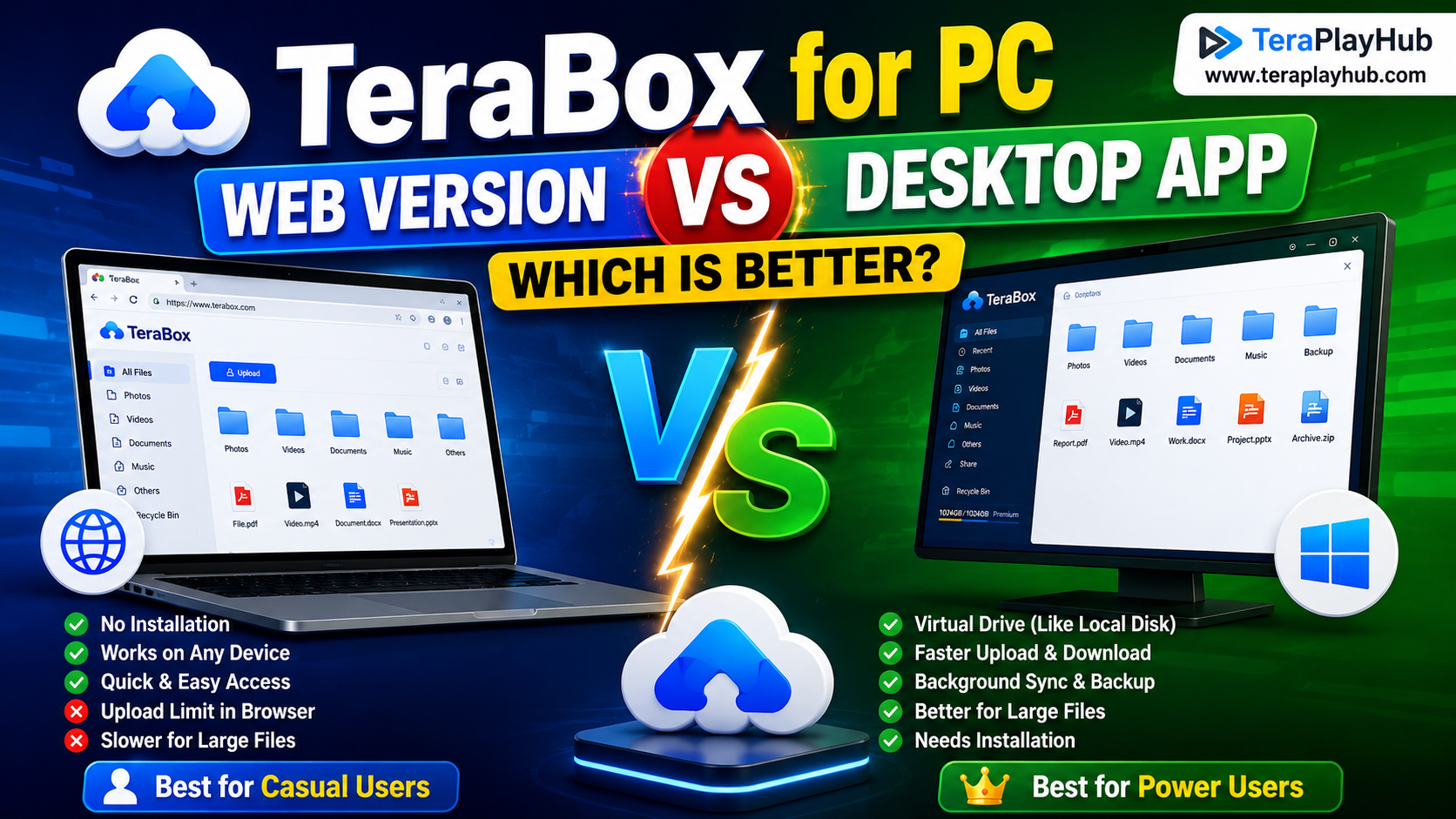
TeraBox for PC: Web Version vs Desktop App (Complete 2026 Comparison Guide)
TeraBox Storage Full? How to Clean Up and Manage 1TB Data Efficiently
How to Share TeraBox Files Safely in 2026 (Private Links, Passwords & Security Tips)
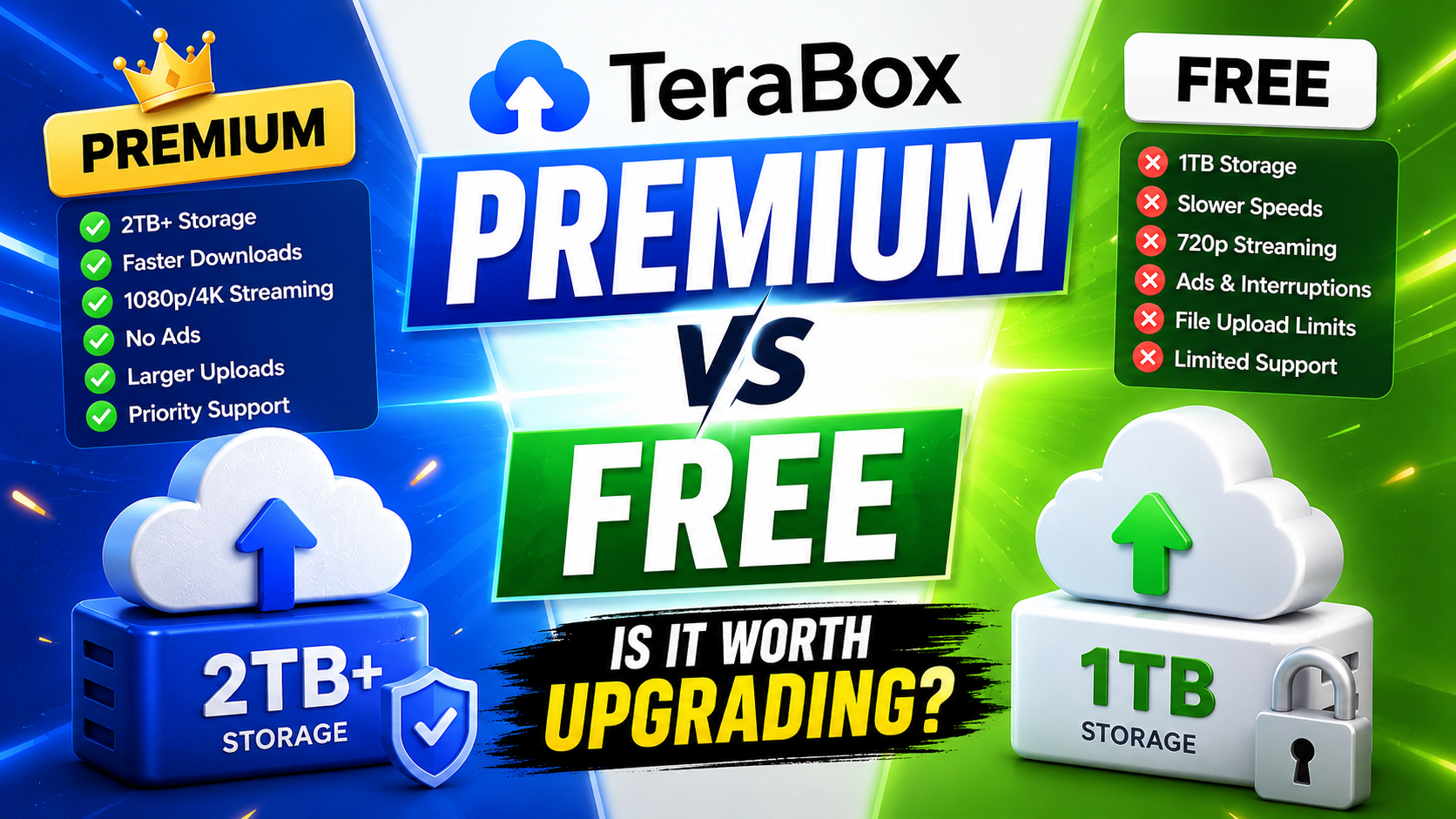
TeraBox Free vs Premium: Is Upgrading Really Worth It in 2026?