5 Proven Ways to Increase TeraBox Download Speed in 2026 (Complete Beginner Guide)


5 Proven Ways to Increase TeraBox Download Speed in 2026
Nothing is more frustrating than watching a large TeraBox file download at painfully slow speeds while your internet connection is perfectly fine.
Many users experience:
- Slow downloads
- Random speed drops
- Stuck downloads
- Network interruptions
- Long waiting times
- Failed downloads during large transfers
In most cases, the issue is not your internet speed itself.
TeraBox free servers often become overloaded, and browser limitations can also reduce performance significantly.
Fortunately, there are several proven methods that can noticeably improve download speed and stability.
In this guide, we will explain the best working tricks to increase TeraBox download speed on Android, Windows, and Mac devices in 2026.
Why TeraBox Downloads Become Slow
Before fixing the problem, it helps to understand why speed drops happen.
Common causes include:
- Heavy server traffic
- Browser download limitations
- Weak DNS routing
- Background internet usage
- ISP throttling
- Cache corruption
- Weak Wi-Fi signal
Sometimes multiple problems happen together, making downloads extremely slow.
The good news is that most of these problems are easy to fix.
1. Use a Download Manager Instead of Browser Downloads
This is one of the most effective speed improvements available.
Most browsers download files using a single connection stream.
Download managers split the file into multiple parts and download them simultaneously.
This process is called multi-thread downloading.
As a result:
- Download speed increases
- Connection stability improves
- Resume support works better
- Large files download more reliably
Best Download Managers for TeraBox
Windows PC
- Internet Download Manager (IDM)
- Free Download Manager (FDM)
Android
- ADM (Advanced Download Manager)
- 1DM Downloader
Mac
- Folx Downloader
- Neat Download Manager
Why Download Managers Work Better
Modern download managers offer:
- Multiple download threads
- Automatic reconnection
- Better resume capability
- Reduced download interruptions
- Improved bandwidth usage
Large TeraBox files such as:
- Movies
- ZIP archives
- Software installers
- 4K videos
- Game backups
benefit the most from this method.
Many users notice speed improvements instantly after switching from normal browser downloads.
2. Download During Low Traffic Hours
TeraBox servers are often crowded during daytime hours.
When millions of users download simultaneously, server congestion reduces available speed.
Downloading during quieter hours can improve performance significantly.
Best Time for Faster Downloads
Many users report the best speeds during:
- 1 AM – 6 AM
- Early mornings
- Weekday nights
During these times:
- Server traffic decreases
- Bandwidth availability improves
- Download stability becomes better
Large files that usually take hours may finish much faster during off-peak periods.
3. Change Your DNS Settings
Slow DNS routing can negatively affect TeraBox performance.
Some internet providers use poor routing systems that create:
- Slow server response
- High latency
- Random connection issues
Changing to a faster public DNS server often improves stability.
Recommended DNS Servers
Google DNS
- 8.8.8.8
- 8.8.4.4
Cloudflare DNS
- 1.1.1.1
- 1.0.0.1
Benefits of Faster DNS
Using a better DNS may help with:
- Faster connection setup
- Better routing performance
- Reduced buffering
- Improved download stability
- Fewer connection failures
Cloudflare DNS is currently one of the fastest options for most users worldwide.
4. Clear Browser Cache and Cookies
Sometimes the slowdown is caused locally by your browser.
Overloaded cache files and corrupted cookies can reduce browser performance and interfere with downloads.
This problem becomes more noticeable after months of heavy browsing.
How to Clear Browser Cache
Chrome / Edge
- Open browser settings
- Go to Privacy & Security
- Select “Clear Browsing Data”
- Choose:
- Cached images and files
- Cookies
- Restart browser
Why This Helps
Clearing old browser data can:
- Improve loading speed
- Fix broken download sessions
- Reduce browser lag
- Solve random TeraBox errors
This is especially helpful if downloads freeze or pages stop responding properly.
5. Pause Background Internet Usage
Many users forget that internet bandwidth is shared across all applications and devices.
Even a fast connection can slow down if multiple background activities consume bandwidth.
Common Bandwidth Killers
- Windows updates
- Steam game downloads
- Netflix streaming
- YouTube 4K playback
- Cloud syncing
- Torrent apps
- Mobile backups
Before downloading large TeraBox files:
- Pause updates
- Stop streaming
- Disable cloud backup temporarily
- Disconnect unused devices
This allows your full bandwidth to focus on the download.
Bonus Tip: Use Stable Wi-Fi or Ethernet
Weak Wi-Fi signals often create unstable download speeds.
For better performance:
- Move closer to the router
- Use 5GHz Wi-Fi
- Restart router weekly
- Prefer Ethernet on desktop PCs
Connection stability matters just as much as internet speed.
Common Problems These Fixes Can Solve
These optimization methods may help solve:
- Slow TeraBox downloads
- Failed downloads
- Speed drops
- Network errors
- Stuck downloads
- Interrupted transfers
- Long waiting times
In many cases, users think TeraBox itself is broken when the real issue is their connection setup.
Is TeraBox Premium Faster?
Yes, Premium users often receive:
- Better server priority
- Higher speed limits
- Faster streaming
- Reduced waiting times
However, many free users still achieve good performance by optimizing their setup properly.
Final Thoughts
Slow TeraBox downloads can be extremely frustrating, especially when downloading large files or videos.
Fortunately, most speed issues can be improved using simple optimization methods.
Using a proper download manager, changing DNS settings, downloading during low-traffic hours, and reducing background internet activity can dramatically improve performance.
With the right setup, even free TeraBox users can enjoy much faster and more stable downloads in 2026.
Most Popular Posts

How to Use TeraBox on Smart TV (Samsung, Android TV & Fire TV)

TeraBox for PC: Web Version vs Desktop App (Complete 2026 Comparison Guide)
How to Share TeraBox Files Safely in 2026 (Private Links, Passwords & Security Tips)
TeraBox Storage Full? How to Clean Up and Manage 1TB Data Efficiently
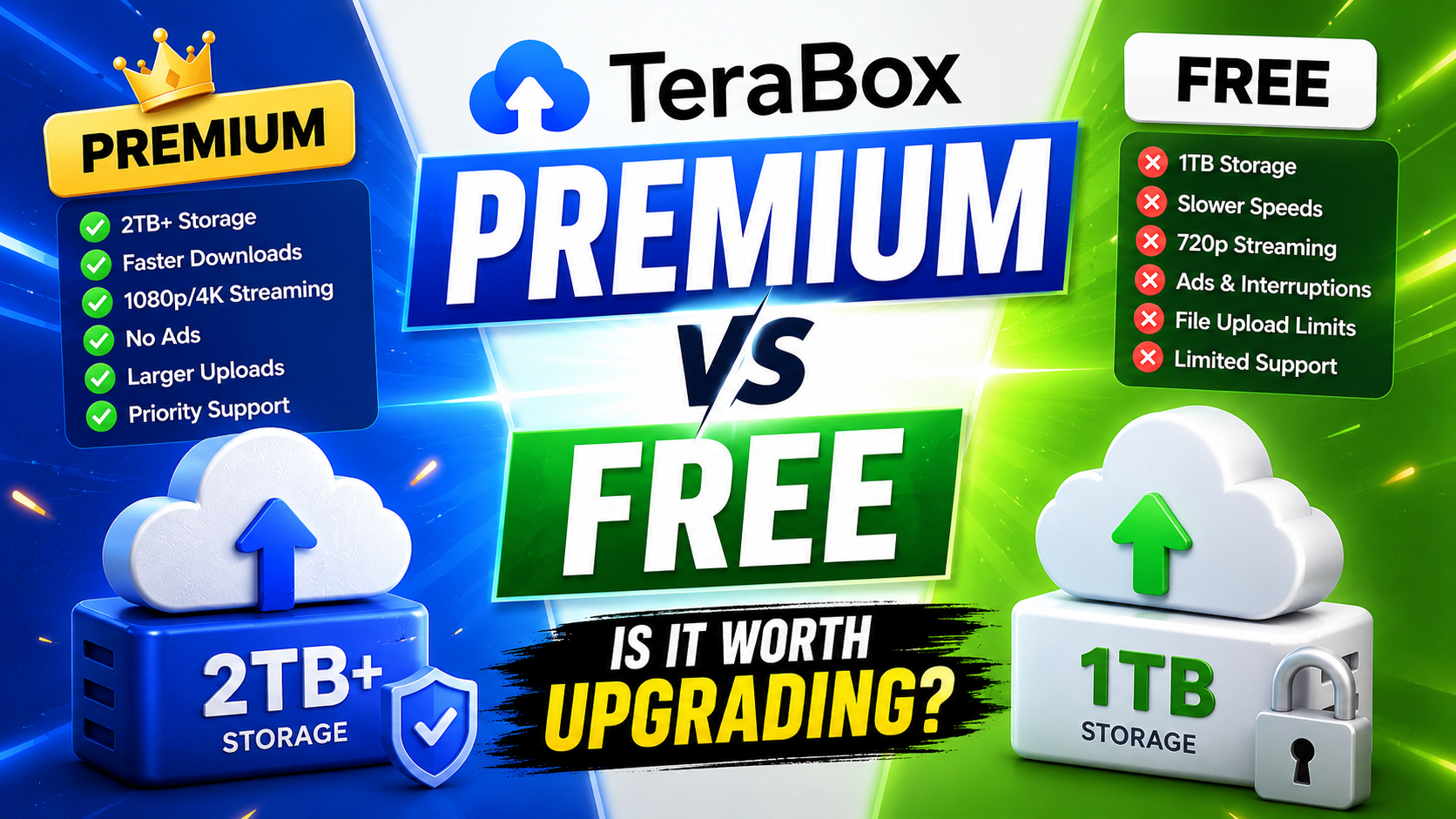
TeraBox Free vs Premium: Is Upgrading Really Worth It in 2026?