Best Free Cloud Storage Services in 2026 (Compared & Tested)

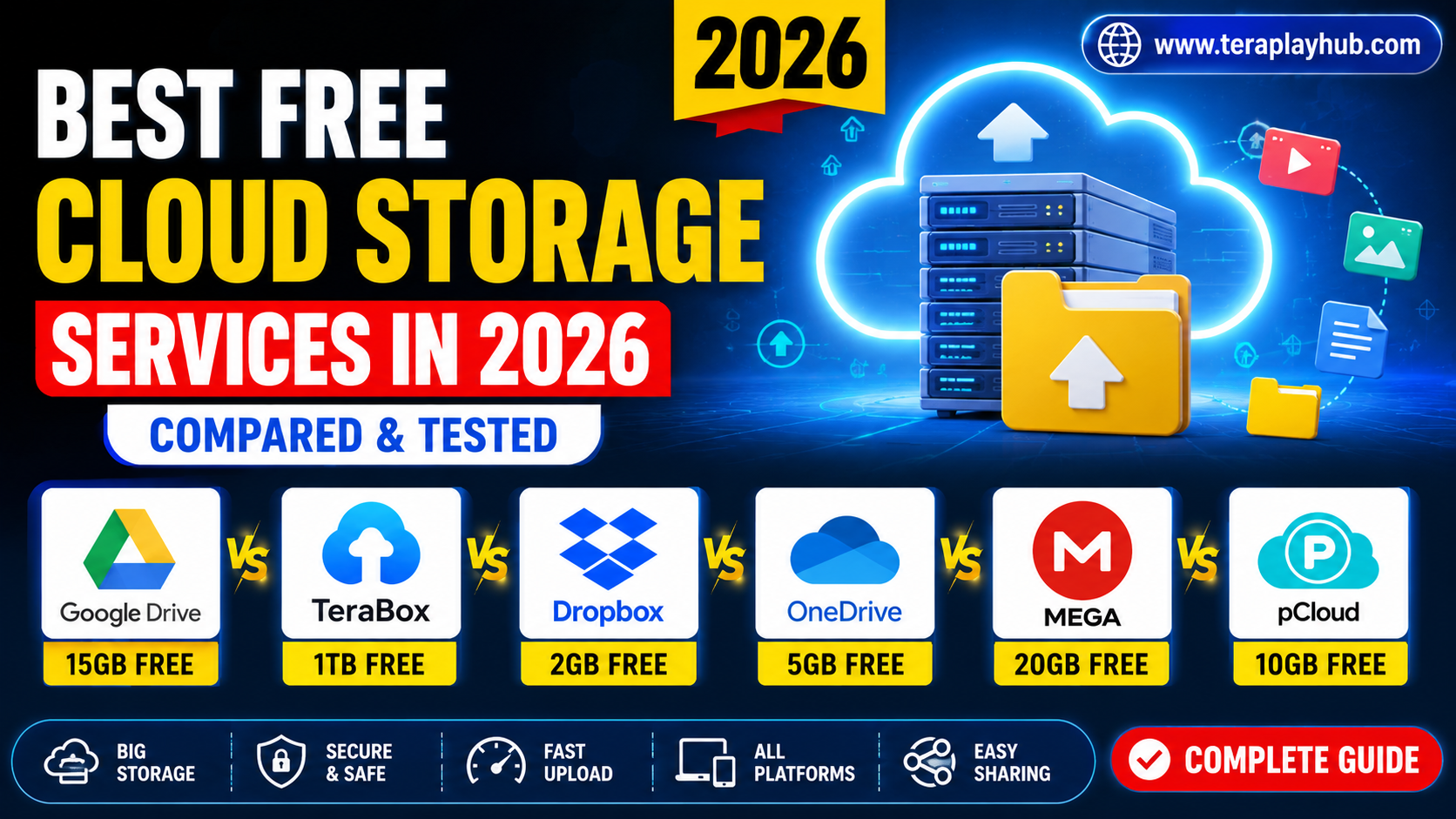
Best Free Cloud Storage Services in 2026 (Compared & Tested)
Cloud storage has become an essential part of daily life. Whether you want to save photos, videos, documents, movies, backups, or work files, cloud storage helps you access your data from anywhere.
In 2026, many cloud storage platforms offer free plans, but not all services provide the same speed, security, storage size, or user experience.
Some are better for:
- Video storage
- File sharing
- Backup
- Team collaboration
- Privacy
- Streaming large files
To help users choose the best option, we tested and compared the most popular free cloud storage services available in 2026.
This guide covers:
- Storage limits
- Upload speed
- Security
- Device support
- Pros and cons
- Best use cases
Everything is explained in a beginner-friendly and easy-to-understand way.
What is Cloud Storage?
Cloud storage is an online service where users can upload and save files on internet servers instead of storing them only on local devices.
This allows you to:
- Access files anywhere
- Sync across devices
- Share files easily
- Create backups
- Save phone storage space
Most cloud services provide free storage plans with optional premium upgrades.
Quick Comparison Table
| Cloud Service | Free Storage | Best For | Security | Platform Support |
|---|---|---|---|---|
| TeraBox | 1TB | Large video storage | Good | Android, iOS, Web |
| Google Drive | 15GB | Productivity & documents | Excellent | All devices |
| MEGA | 20GB | Privacy & encryption | Excellent | All devices |
| Dropbox | 2GB | File syncing | Very Good | All devices |
| OneDrive | 5GB | Windows users | Excellent | Windows, Android, iOS |
| pCloud | 10GB | Media storage | Strong | All devices |
1. TeraBox
Overview
TeraBox became extremely popular because it offers massive free storage compared to competitors.
Users get:
- 1TB free cloud storage
- Video streaming support
- Mobile backup features
- Easy sharing system
This makes it attractive for users storing large video collections.
Main Features
- Huge free storage
- Online video playback
- Automatic backup
- Large file uploads
- Mobile app support
Advantages
Massive Free Space
Most cloud platforms provide limited storage, but TeraBox offers much larger free capacity.
Great for Video Streaming
Users can stream videos directly without downloading them fully.
Beginner Friendly
Simple interface makes it easy for new users.
Disadvantages
- Ads in free version
- Upload speed can vary
- Some advanced features require premium plan
Best For
- Movie lovers
- Video backup
- Large file storage
- Casual users
2. Google Drive
Overview
Google Drive remains one of the most trusted cloud storage platforms worldwide.
It integrates perfectly with:
- Gmail
- Google Docs
- Sheets
- Photos
- Android devices
Main Features
- 15GB free storage
- Real-time collaboration
- Strong ecosystem integration
- Excellent file sharing
Advantages
Best Productivity Experience
Ideal for office work, students, and team collaboration.
Reliable Security
Google offers advanced account protection and strong infrastructure.
Fast Syncing
File synchronization works smoothly across devices.
Disadvantages
- Limited free storage for large media collections
- Shared storage with Gmail and Photos
Best For
- Students
- Office users
- Teams
- Productivity workflows
3. MEGA
Overview
MEGA is famous for privacy-focused cloud storage.
It offers:
- End-to-end encryption
- Strong security features
- Secure file sharing
Many users prefer MEGA for privacy protection.
Main Features
- 20GB free storage
- Strong encryption
- Secure sharing links
- Cross-platform support
Advantages
Excellent Privacy
MEGA encrypts files before upload.
Secure Sharing
Users can protect shared links with passwords.
Modern Interface
The dashboard feels clean and professional.
Disadvantages
- Transfer limits for free users
- Slightly slower uploads in some regions
Best For
- Privacy-focused users
- Secure backups
- Sensitive files
4. Dropbox
Overview
Dropbox is one of the oldest cloud storage services.
It focuses heavily on:
- File syncing
- Team collaboration
- Reliable performance
Main Features
- Fast syncing
- File recovery
- Smart folder management
- Cross-device access
Advantages
Extremely Reliable
Dropbox sync technology is still among the best.
Clean User Interface
Simple design improves usability.
Excellent Collaboration
Teams can work together efficiently.
Disadvantages
- Very small free storage
- Premium plans are expensive
Best For
- Business users
- Team collaboration
- Fast syncing needs
5. Microsoft OneDrive
Overview
OneDrive works best for Windows users.
It integrates directly with:
- Windows PCs
- Microsoft Office
- Outlook
Main Features
- 5GB free storage
- Office integration
- Automatic PC backup
- Secure sharing
Advantages
Best for Windows Ecosystem
Works smoothly on Windows laptops and desktops.
Office Integration
Great for Word, Excel, and PowerPoint users.
Stable Performance
Reliable syncing and backup.
Disadvantages
- Lower free storage
- Limited advanced sharing in free version
Best For
- Windows users
- Office work
- Document storage
6. pCloud
Overview
pCloud is growing rapidly because of its clean interface and strong media support.
It offers:
- Fast uploads
- Media playback
- File versioning
Main Features
- 10GB free storage
- File recovery
- Streaming support
- Secure storage
Advantages
Great Media Experience
Good for music and video storage.
Smooth Performance
Apps feel lightweight and responsive.
Flexible Sharing
Easy sharing options for files and folders.
Disadvantages
- Some security features are paid
- Less popular than Google Drive
Best For
- Media collections
- Music storage
- Everyday users
Which Cloud Storage is Best in 2026?
The answer depends on your needs.
| Need | Best Choice |
|---|---|
| Huge Free Storage | TeraBox |
| Best Productivity | Google Drive |
| Maximum Privacy | MEGA |
| Best File Syncing | Dropbox |
| Windows Integration | OneDrive |
| Media Storage | pCloud |
There is no single perfect platform for everyone.
Security Comparison
Security is one of the most important factors in cloud storage.
Best Security Platforms
- MEGA
- Google Drive
- OneDrive
These platforms provide strong encryption and account protection.
Best Cloud Storage for Videos
For storing movies and large videos:
Recommended Options
- TeraBox
- pCloud
- Google Drive
TeraBox stands out because of its massive free storage limit.
Best Cloud Storage for Students
Students usually need:
- Document sharing
- Notes backup
- Collaboration tools
Best Option
Google Drive remains the top choice for students.
Best Cloud Storage for Backup
If you want automatic backup:
- OneDrive works well for Windows
- Google Drive is great for Android
- iCloud is useful for Apple devices
Things to Check Before Choosing Cloud Storage
Before selecting a service, always check:
- Storage size
- Upload speed
- Device compatibility
- File sharing features
- Privacy policy
- Security options
Choosing the wrong platform can create future problems.
Tips for Using Cloud Storage Safely
Here are some important safety tips:
- Use strong passwords
- Enable two-factor authentication
- Avoid unknown file links
- Backup important data locally
- Never share private login details
Cloud security depends partly on user habits too.
Frequently Asked Questions
Which cloud storage gives the most free space?
TeraBox currently offers one of the largest free storage plans.
Which cloud storage is safest?
MEGA and Google Drive are considered very secure.
Is free cloud storage reliable?
Yes, most major cloud platforms are reliable for daily use.
Can cloud storage replace hard drives?
Cloud storage is useful, but important files should also have offline backups.
Final Verdict
Cloud storage services continue improving every year, and 2026 offers more choices than ever before.
If you want:
- Huge free storage → TeraBox
- Productivity tools → Google Drive
- Privacy protection → MEGA
- Reliable syncing → Dropbox
- Windows support → OneDrive
then choose the platform based on your own needs.
For most casual users, combining two cloud services often gives the best experience and additional backup safety.
We hope this detailed comparison helped you choose the best free cloud storage service for your personal or professional use.
Most Popular Posts
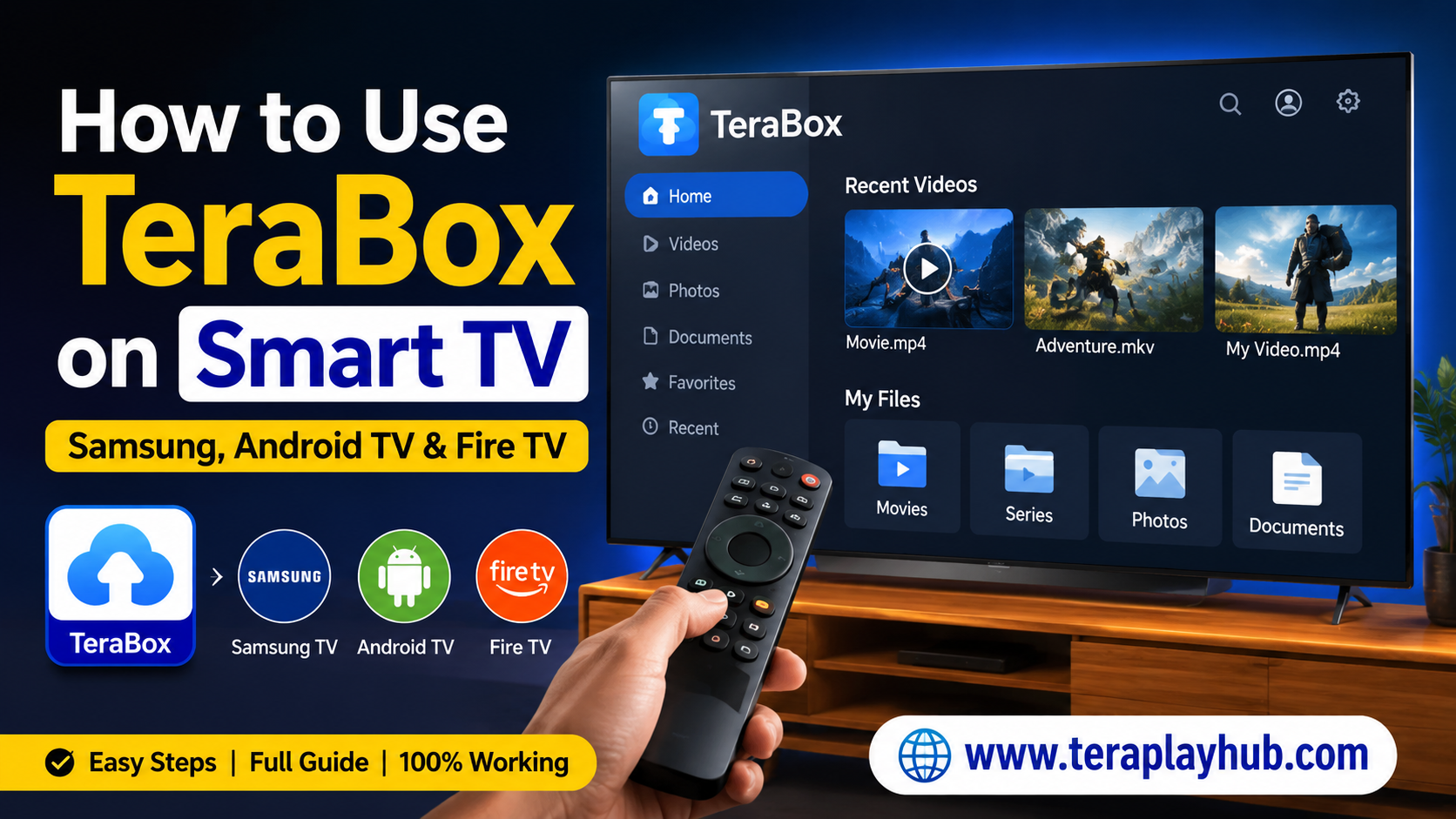
How to Use TeraBox on Smart TV (Samsung, Android TV & Fire TV)
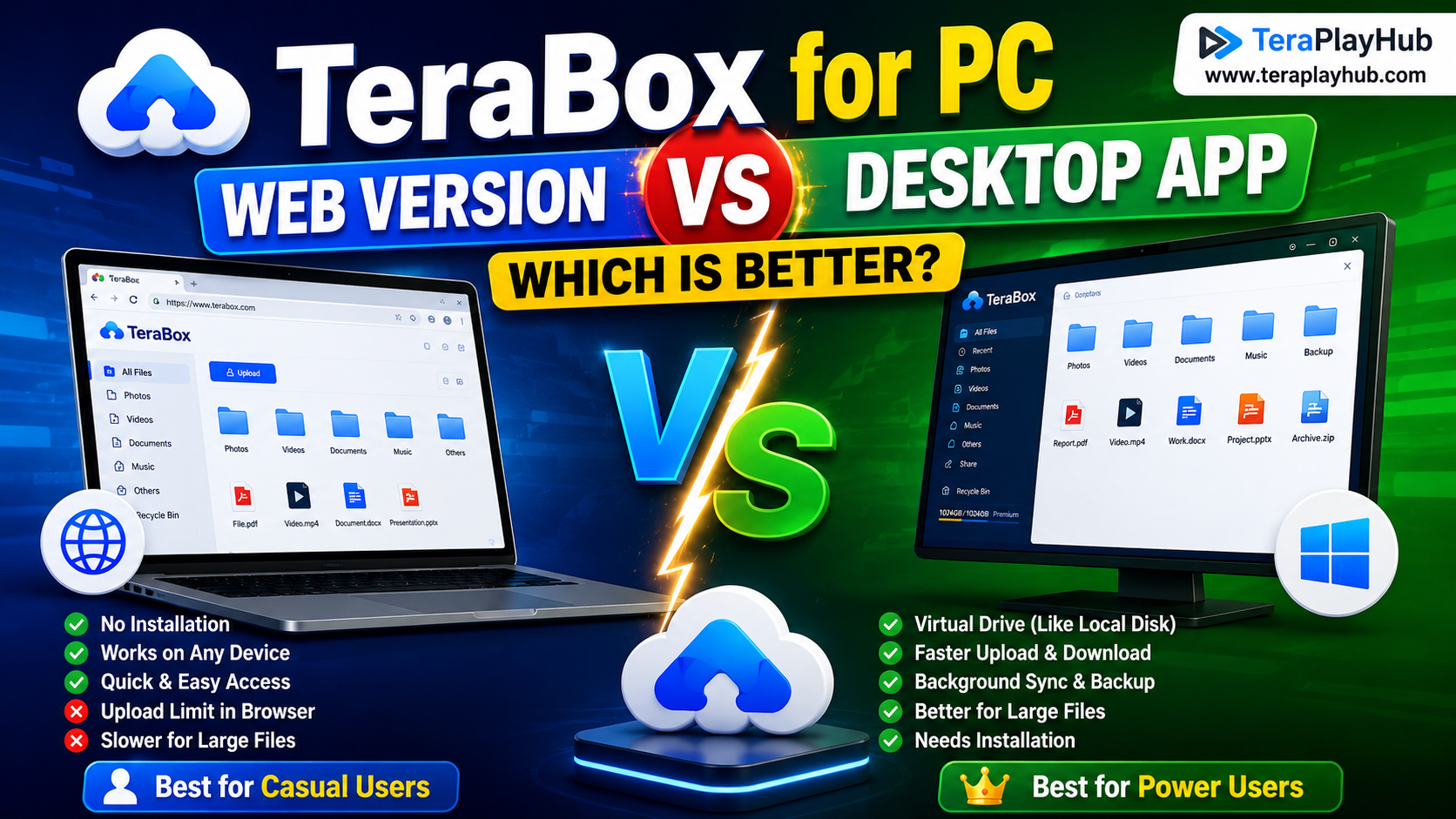
TeraBox for PC: Web Version vs Desktop App (Complete 2026 Comparison Guide)
TeraBox Storage Full? How to Clean Up and Manage 1TB Data Efficiently
How to Share TeraBox Files Safely in 2026 (Private Links, Passwords & Security Tips)
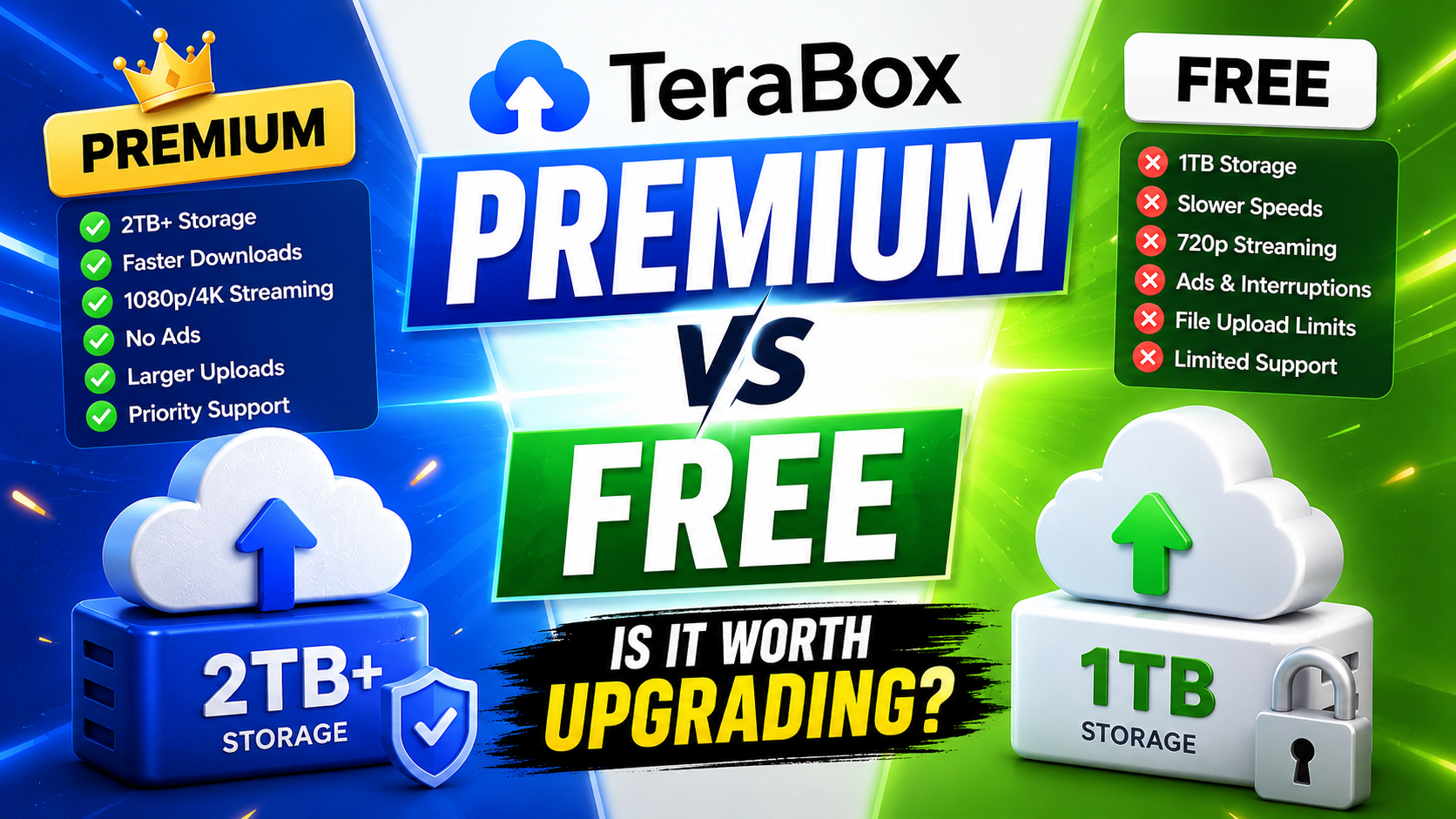
TeraBox Free vs Premium: Is Upgrading Really Worth It in 2026?