TeraBox “Download Failed” & Network Error: Complete Fix Guide for 2026

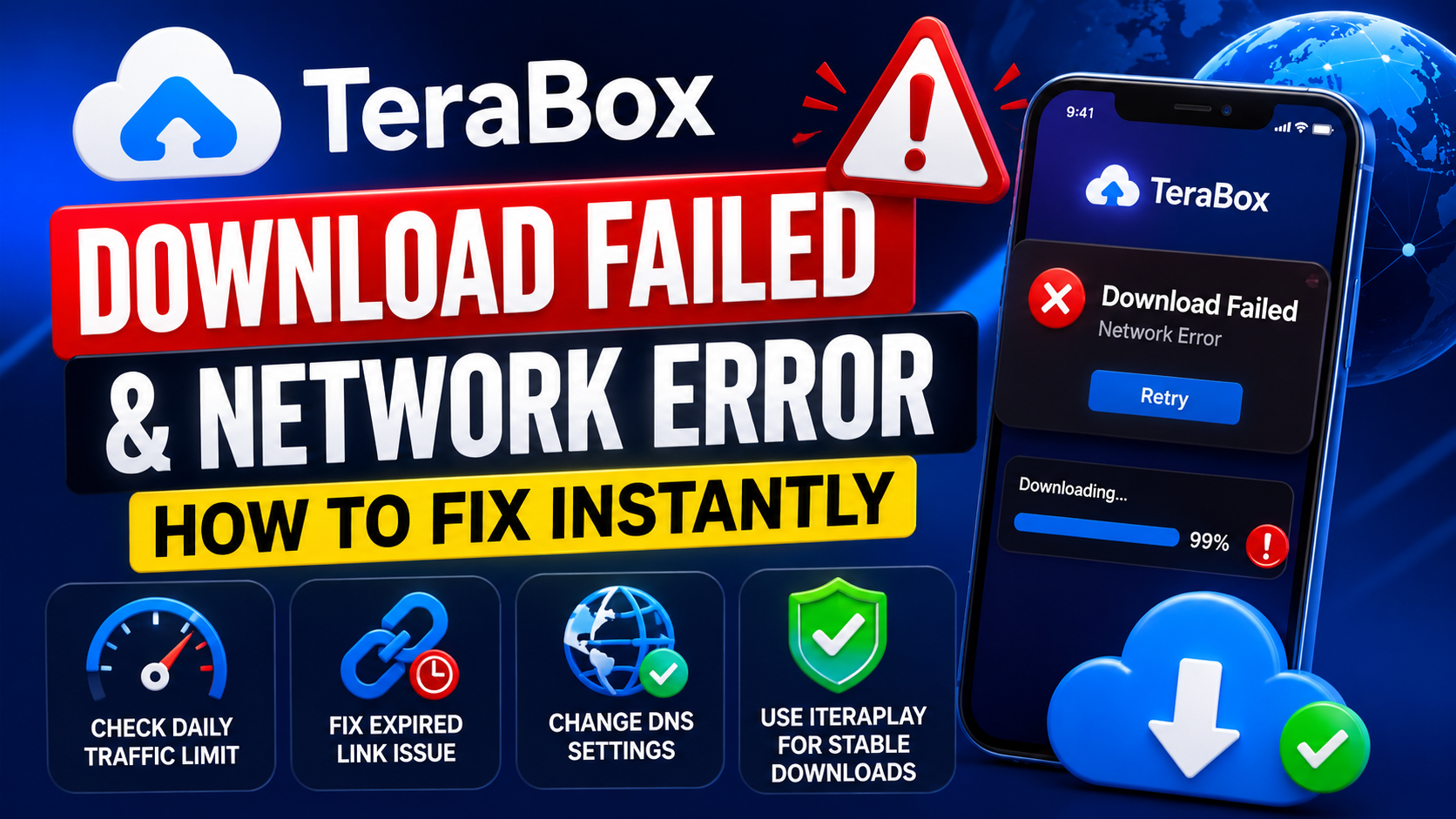
TeraBox “Download Failed” & Network Error: Complete Fix Guide for 2026
Few things are more frustrating than waiting for a large file to finish downloading on TeraBox, only to see “Download Failed” appear at 99%.
This problem affects thousands of users daily on both mobile and desktop devices.
Fortunately, most TeraBox download and connection errors can be fixed within minutes.
In this guide, we will explain the most common causes behind TeraBox network issues and show you how to solve them quickly.
Why TeraBox Downloads Fail
TeraBox download failures usually happen because of:
- Temporary network interruptions
- Expired download links
- DNS blocking
- Browser cache problems
- Internet provider restrictions
- Traffic limitations for free users
- Download manager issues
Understanding the exact reason helps you fix the problem faster.
1. Check Your Internet Connection
Before changing advanced settings, make sure your internet connection is stable.
Weak internet is one of the biggest causes of interrupted downloads.
Common Symptoms
- Download speed suddenly drops
- File stops at a certain percentage
- “Network Error” message appears
- Download pauses automatically
Quick Fixes
- Restart your WiFi router
- Switch between WiFi and mobile data
- Move closer to the router
- Disconnect unused devices
- Stop background streaming or gaming
Stable internet alone fixes many TeraBox issues instantly.
2. TeraBox Daily Traffic Limit
Free TeraBox users sometimes hit temporary bandwidth restrictions.
When this happens, downloads may:
- Slow down dramatically
- Fail repeatedly
- Stop near completion
- Show random connection errors
How to Fix It
Option 1: Wait
In many cases, limits reset automatically within 12–24 hours.
Option 2: Restart Your Network
Restarting your router may provide a new IP address.
Option 3: Use Another Network
Switching to mobile data or another WiFi network sometimes bypasses temporary restrictions.
Some users also use VPN services carefully, but performance may vary depending on the server quality.
3. Expired Download Links
TeraBox download links are temporary.
If you pause a download for too long, the original link may expire automatically.
This commonly affects users downloading large files with:
- IDM (Internet Download Manager)
- Browser download tools
- Android download managers
Signs of an Expired Link
- Download freezes near 99%
- “Forbidden” error
- “File unavailable”
- “Connection lost”
- Infinite loading
How to Fix It
- Return to the original TeraBox page
- Generate a fresh download link
- Restart the download
- Update the link inside IDM if needed
IDM users can use the “Refresh Download Address” feature to continue downloads safely.
4. Change Your DNS Settings
Some internet providers block or slow access to cloud-storage services.
Changing your DNS server can improve connection stability significantly.
Recommended DNS Servers
Google DNS
- 8.8.8.8
- 8.8.4.4
Cloudflare DNS
- 1.1.1.1
- 1.0.0.1
Benefits of Changing DNS
- Faster page loading
- Better download stability
- Reduced connection errors
- Improved routing performance
Many users report noticeable speed improvements after switching DNS providers.
5. Clear Browser Cache and Cookies
Corrupted browser data can interfere with downloads.
Old cache files may cause:
- Broken download buttons
- Login problems
- Stuck loading screens
- Failed downloads
Steps to Fix
- Open browser settings
- Clear cache and cookies
- Restart the browser
- Login again to TeraBox
This refreshes your browser session and removes corrupted temporary files.
6. Disable Browser Extensions
Some browser extensions interfere with TeraBox downloads.
Common problematic extensions include:
- Ad blockers
- Security filters
- VPN extensions
- Download accelerators
Solution
Temporarily disable extensions and test downloads again.
You can also try:
- Incognito mode
- Another browser
- Fresh browser profile
Google Chrome and Microsoft Edge usually work best with TeraBox.
7. Mobile App Download Problems
Android and iPhone users sometimes face app-related issues.
Common Mobile Problems
- Download stuck at 0%
- App crashes during downloads
- “Insufficient storage” warning
- Background downloads stopping automatically
Fixes
- Update the TeraBox app
- Clear app cache
- Enable storage permission
- Disable battery optimization
- Keep the app open during large downloads
Battery-saving mode can interrupt long downloads on many devices.
8. Download Manager Problems
Download managers like IDM improve speed, but incorrect settings can also create errors.
Common IDM Issues
- Broken download segments
- Expired links
- Connection timeout
- Download restart loops
Recommended Settings
- Reduce download segments
- Avoid aggressive acceleration
- Refresh expired links
- Test browser downloads directly
Sometimes browser downloads are more stable than third-party managers.
9. Server-Side Problems
Occasionally, the issue is not on your device.
TeraBox servers sometimes experience:
- Heavy traffic
- Maintenance
- Regional outages
- Temporary slowdowns
What You Can Do
- Retry after a few minutes
- Test another file
- Check if all downloads fail
- Try during non-peak hours
Temporary server issues usually resolve automatically.
10. Tips to Prevent Future Download Errors
To improve long-term download stability:
- Keep your browser updated
- Use reliable internet
- Avoid pausing downloads for long periods
- Clear cache regularly
- Store important files locally
- Avoid suspicious download tools
Simple maintenance reduces future connection problems significantly.
Final Thoughts
TeraBox “Download Failed” and network errors can be frustrating, especially during large downloads.
Thankfully, most problems are caused by temporary issues like expired links, unstable internet, DNS restrictions, or browser conflicts.
By following the solutions above, you can restore stable downloads quickly and improve your overall TeraBox experience.
A good internet connection, proper browser settings, and updated download links are usually all you need for smooth and reliable file downloads.
Most Popular Posts

How to Use TeraBox on Smart TV (Samsung, Android TV & Fire TV)

TeraBox for PC: Web Version vs Desktop App (Complete 2026 Comparison Guide)
How to Share TeraBox Files Safely in 2026 (Private Links, Passwords & Security Tips)
TeraBox Storage Full? How to Clean Up and Manage 1TB Data Efficiently
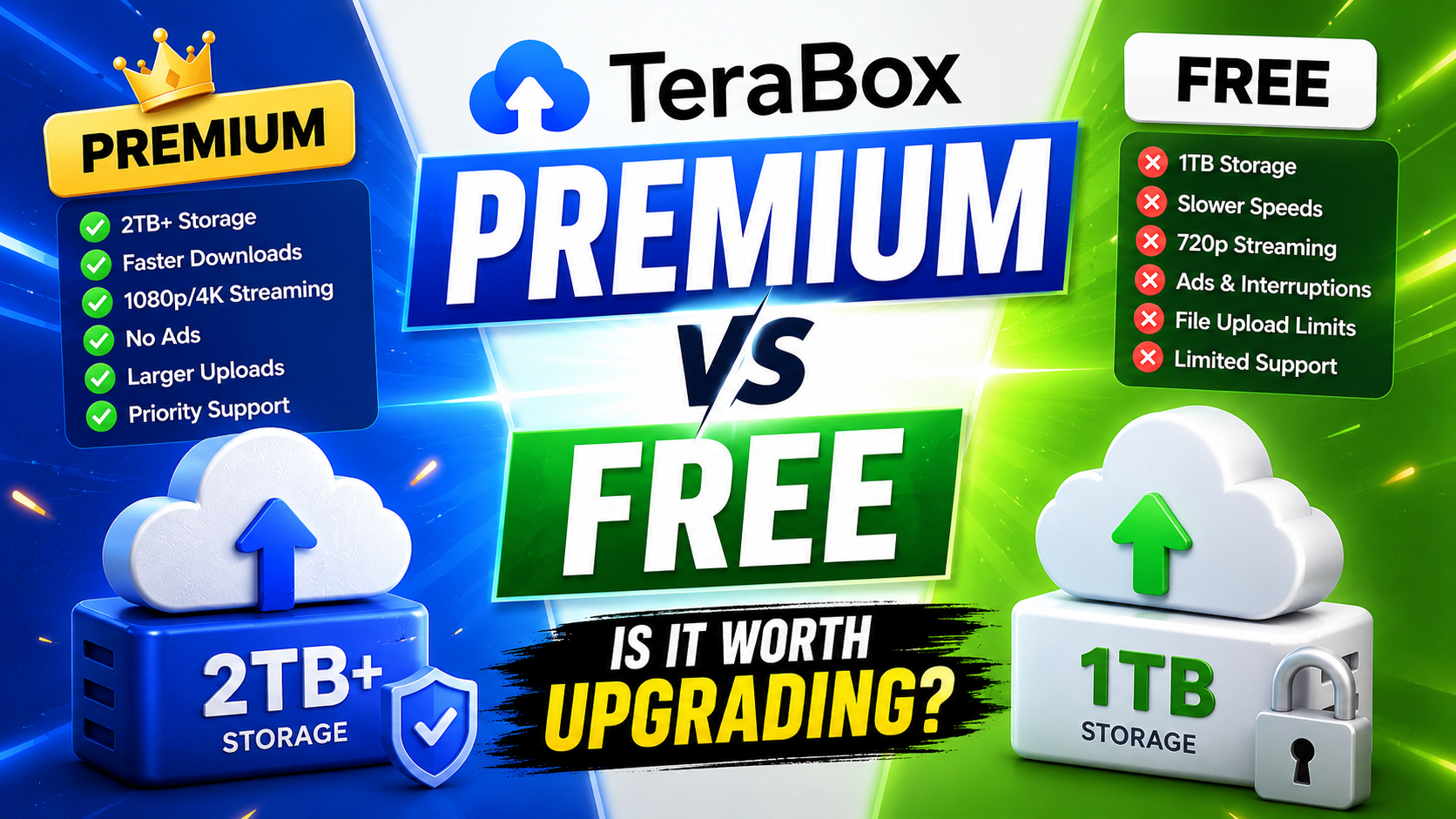
TeraBox Free vs Premium: Is Upgrading Really Worth It in 2026?